What the Apple Watch can (and can’t) do for heart health
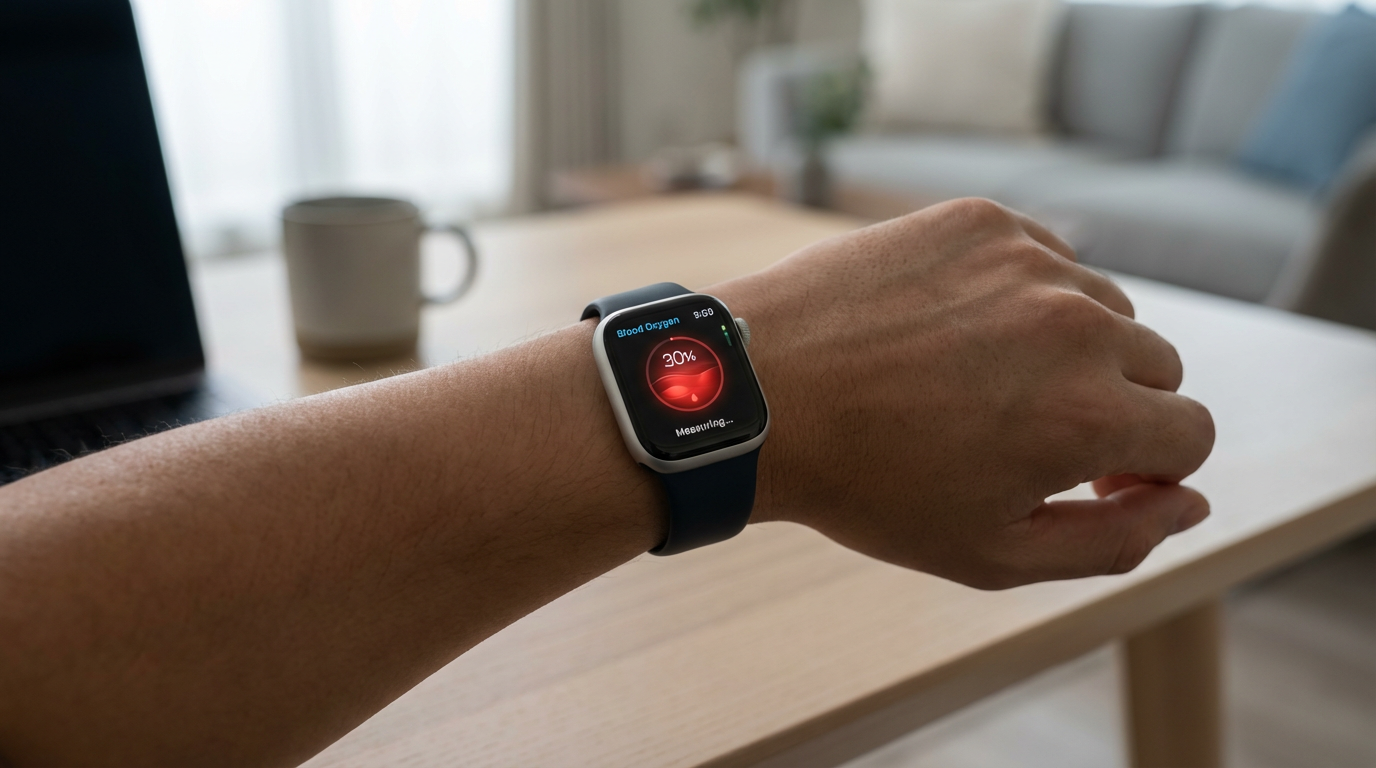
You already have a surprisingly capable heart monitor on your wrist. Apple Watch can track heart rate trends, flag unusually high or low rates, estimate cardio fitness (VO₂ max on supported models), and—on models with ECG—let you record an on-demand ECG and receive irregular rhythm notifications that may suggest atrial fibrillation. It can also log symptoms and show patterns across days or months, which is often more useful than any single reading.
What it can’t do is diagnose chest pain, rule out a heart attack, or reliably explain why your heart rate spiked on a given day. Motion, a loose band, tattoos, cold skin, and certain workouts can distort readings. Alerts are conservative and can miss events; false alarms happen too. If you treat the watch as a pattern-finder—not a verdict—you’ll get the most value without spiraling into constant checking.
Start with your goal: reassurance, training insight, or symptom tracking
Most people buy heart apps for one of three reasons, and picking your “why” first prevents data overload. If you mainly want reassurance, focus on simple trend views and a few well-chosen notifications (high/low heart rate, irregular rhythm if eligible). The win here is noticing your usual range and sleep-to-day patterns, not chasing moment-to-moment numbers.
If you want training insight, prioritize apps that respect context: resting heart rate, heart rate recovery after workouts, and cardio fitness estimates over “peak” readings. Expect some friction—better training analysis often means wearing the watch snugly, logging workouts consistently, and sometimes paying a subscription.
If you’re tracking symptoms, look for tools that make it easy to tag events (palpitations, dizziness, meds, caffeine) and export a clean report. The most useful setup is the one you can repeat on your worst, busiest day.
Before you install anything: accuracy, privacy, and setup basics
The familiar trap is installing three “heart” apps, turning on every alert, and then wondering why your wrist won’t stop buzzing. Start by improving the signal you already have. Wear the band snug (especially for workouts), keep the watch clean and dry, and confirm your Health profile is correct (age, sex, height, weight, medications if you log them). If you use irregular rhythm notifications or ECG on supported models, check eligibility and regional availability, then set a simple baseline week: wear it consistently, log a few workouts, and avoid interpreting day-one changes.
Privacy matters because most apps don’t just read heart rate—they often request access to Health data like activity, sleep, and meds. Prefer apps that work offline, explain exactly what they collect, and allow “read-only” access when possible. In Apple’s Health app, you can grant (or revoke) permissions per category, and you should: symptom tags and exports are useful, but constant cloud syncing and subscription features can be the hidden cost.
Four standout Apple Watch apps worth trying (and who each fits)
If you want the most reliable “set it and forget it” setup, start with Apple’s built-in Heart app and the Health app. This is the cleanest pipeline from sensor to charts, and it’s where irregular rhythm notifications, high/low heart rate alerts, ECG recordings (on supported models), and cardio fitness estimates typically land. It fits people who want reassurance and a consistent history without extra accounts. The limitation is presentation: Apple shows solid trends, but it’s not designed to be a coach, and it won’t help much with “why did this happen?” beyond the context you log yourself.
If you want clearer trend dashboards without turning your wrist into a command center, Heart Analyzer is a good “better charts” layer on top of Apple Health. It’s useful for adults who want to spot patterns (resting heart rate drifting up, sleep nights that correlate with higher daytime rate) without staring at every spike. For training insight, Training Today is a practical option if you like simple readiness guidance based largely on HRV trends; it works best when you wear your watch consistently (including sleep, if you track it) and accept that HRV is sensitive to travel, alcohol, illness, and stress. Both apps can tempt you into over-checking, so keep watch-face complications minimal and review trends once a day, not every hour.
If your goal is symptom tracking and clinician-friendly sharing, Health Auto Export is worth considering. It’s not “more measurement,” but it can turn the data you already have into a consistent export (for your own records, or to attach to a message to a clinician) without manual screenshots. The trade-off is setup time and privacy decisions: you’ll need to choose exactly which Health categories to export and where that file goes. For all four apps, start with read-only Health permissions when possible, turn off non-essential notifications, and treat any single alarming reading as a prompt to re-check fit, context, and symptoms—then escalate if the pattern repeats or you feel unwell.
How to build a simple daily routine you’ll stick with

A routine that sticks usually has two rules: fewer touchpoints, and the same time window each day. Pick one daily check-in—morning tends to be easiest—then look at a small set of signals: resting heart rate, last night’s sleep (if you track it), and a 7–30 day trend view in Apple Health or Heart Analyzer. Avoid “spot checking” after every coffee, meeting, or stair climb; that’s where normal noise starts to feel like a problem.
Keep alerts boring on purpose. High/low heart rate and irregular rhythm (if eligible) are enough for most people; turn off anything that pings for minor deviations. For training, log workouts consistently and glance at readiness (e.g., Training Today) once before you start, not mid-day. If you’re symptom tracking, set a two-minute rule: when you feel something, record a quick note (what you felt, what you were doing, caffeine/alcohol/med changes), then put the watch away. The main cost is discipline—subscriptions and extra complications can pull you into constant checking.
Making sense of alerts, spikes, and long-term changes
A familiar moment: you’re sitting still, glance down, and your heart rate looks “wrong.” Before you chase it, check the basics—band snugness, cold skin, recent movement, and whether the watch is still locking onto your wrist. If you feel fine, give it a minute and look for consistency rather than a single number. Many spikes are real but explainable (stairs, stress, dehydration, alcohol, poor sleep); others are sensor noise. Treat a one-off as a prompt to add context, not to troubleshoot your body in real time.
Alerts are best handled like smoke alarms: valuable, but not perfectly specific. A high/low heart rate alert that repeats at similar times, or an irregular rhythm notification that clusters over days, matters more than an isolated buzz. The clearest “signal” is drift—resting heart rate trending up for a week, heart rate recovery getting worse, or cardio fitness sliding over months. The practical constraint is patience: you need enough consistent wear and similar conditions (sleep, workouts, meds) for trends to mean much.
When to talk to a clinician—and what to bring from your watch
You don’t need a crisis to loop in a clinician. Reach out sooner if you get repeated irregular rhythm notifications, a new pattern of very high or very low heart rate at rest, fainting/near-fainting, or symptoms (chest pressure, shortness of breath, sustained palpitations) that don’t match your usual. Treat severe chest pain, trouble breathing, or one-sided weakness as urgent—don’t “watch it” on your wrist.
Bring patterns, not screenshots: the dates/times of episodes, what you were doing, any triggers (illness, alcohol, dehydration, new meds), and your resting heart rate trend over 2–4 weeks. If you have ECG recordings, export the PDFs from the Health app and note which ones matched symptoms. A short, clean log is often more actionable than a month of raw charts.