Slack is for collaboration, not constant interruption
You can feel “busy” in Slack all day and still end the day with the real work untouched. That happens when Slack quietly becomes a live feed you’re expected to monitor, instead of a tool you use to coordinate. Collaboration needs quick alignment, a record of decisions, and a way to unblock each other. It doesn’t require instant replies to every ping.
A practical boundary is treating Slack like a workplace hallway: you step into it with purpose, then you step back to do the work. This can feel risky at first—especially if your team has an always-on habit—but the cost of constant interruption is predictable: slower output, longer days, and more mistakes. The goal isn’t silence; it’s choosing when and why your attention gets pulled.
Figure out what “urgent” really means on your team
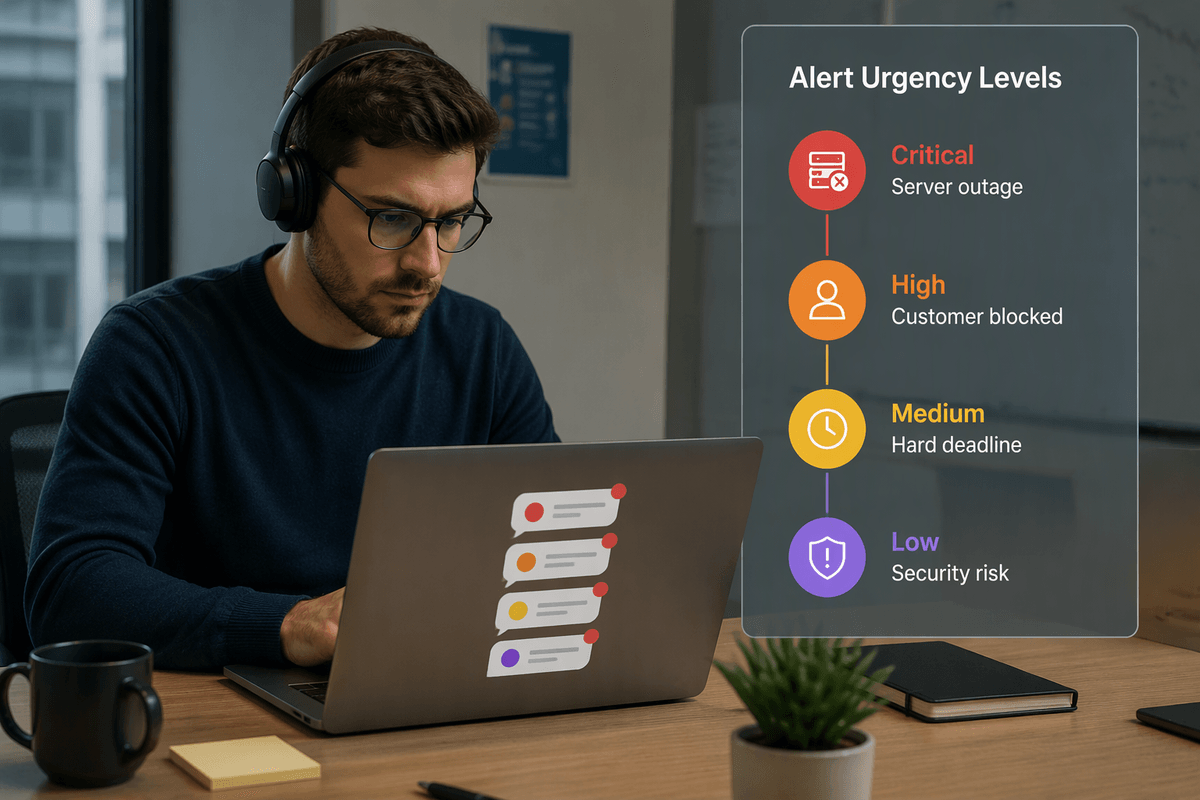
Most teams don’t have a “Slack urgency” problem as much as they have an “undefined urgency” problem. If everything sounds urgent (“quick question,” “ASAP,” a follow-up ping), you end up treating all messages like a fire drill. A simple way to reset this is to name the few situations that truly justify interrupting someone’s focus: production down, a customer blocked in real time, a time-sensitive decision with a hard deadline, or an incident where safety, security, or money is at risk.
Everything else can be “important” without being “urgent.” Put response times in plain language: DMs get a reply within a couple hours during working time, channel questions by end of day, and updates can wait until the next check-in window. The practical constraint is you’ll need buy-in from the people who benefit most from fast replies; expect a few awkward moments while the team learns to add context (“deadline is 2pm,” “need approval to ship”) instead of just pressure.
Design your notifications so only the right things break focus
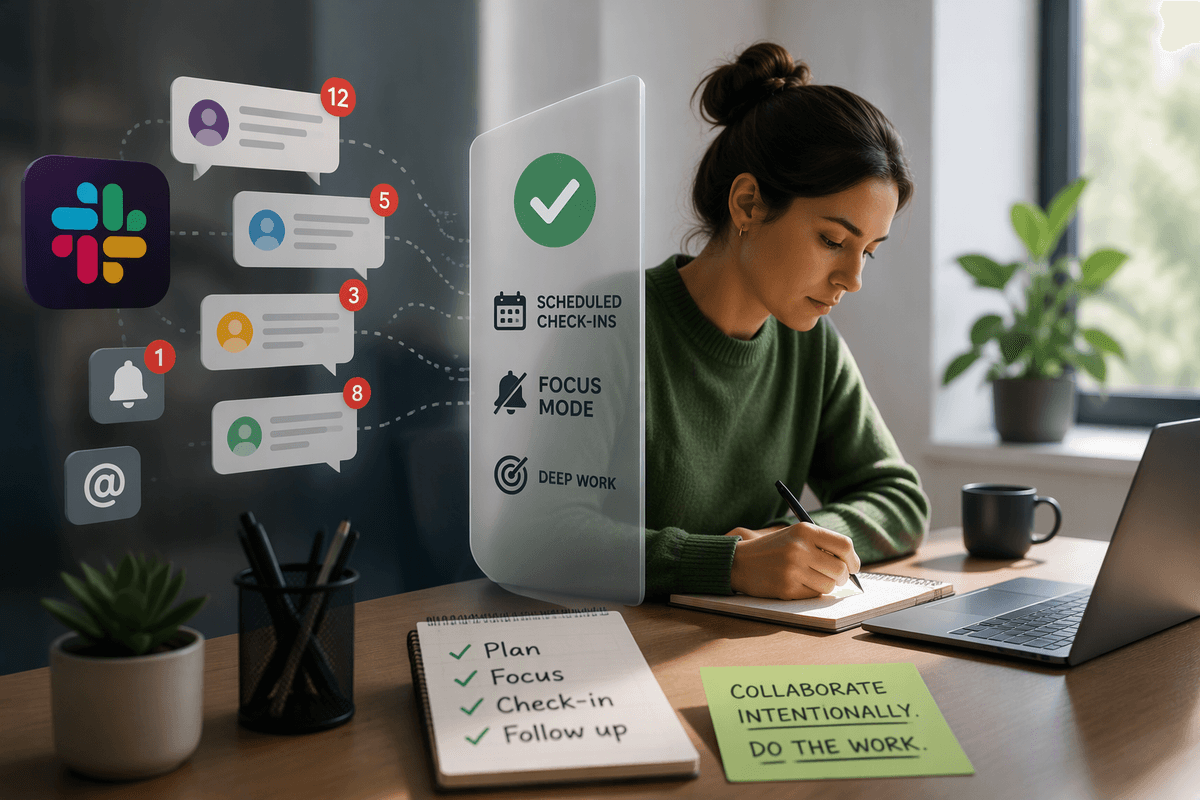
You’ve probably had the experience of trying to write, getting three pings in a minute, and then spending the next half hour “just clearing Slack” before you can restart. The fix isn’t willpower; it’s making your notification rules match your urgency rules. Start by turning off notifications for most channels and relying on mentions (and a small set of keywords) for anything that truly needs you. Keep DM notifications on if your role requires it, but consider limiting them to working hours so a late-night message doesn’t set an expectation you’re available.
Make it easy for people to reach you when it matters: pin a short note in your profile about what will interrupt you (“@mention for time-sensitive,” “call for production issues”) and set a status when you’re in focus time. A real constraint is you can miss “nice to know” context when you go mention-only, so plan to catch up during a scheduled Slack check rather than trying to keep the firehose open all day.
Replace endless back-and-forth with better message habits
You can spot the threads that drain attention fastest: “got a sec?”, partial questions, and long DM chains that belong in a channel. A small habit shift cuts most of it. Send the full ask in one message: context, what you’ve tried, what you need, and by when (“Need approval on copy for the 2pm send; option A/B; recommend A unless legal flags”). If it’s a decision, name the decision and propose a default so people can react instead of re-litigate. When something is truly quick, use a short checklist format so the other person can answer in one pass.
Move work out of private back-and-forth when others will benefit from the answer. Post questions in the channel where the work lives, then tag one person as the “first responder” to avoid five parallel replies. For updates, stop narrating in real time; batch into a single message with “done / next / blocked” and link the doc or ticket. The practical cost is it takes an extra minute to write a complete message, but it saves dozens of micro-replies and reduces misunderstandings.
Make checking Slack a schedule, not a reflex

Most people don’t “check Slack” so much as they drift into it between tasks: you finish a sentence, hit a tiny snag, or feel a lull, and suddenly you’re scanning channels. That reflex keeps you feeling responsive, but it also turns every hard problem into a stop-and-start problem. A steadier approach is deciding when you’ll be reachable on purpose. Pick a simple cadence you can actually keep—every 60–90 minutes, plus a quick sweep at the top or bottom of the day—and close Slack in between (not just minimized).
Make the schedule visible so it doesn’t look like avoidance. Set a status like “Heads down until 11:30; checking Slack at :30” and follow through. If you’re a lead, pair your checks with a short “triage” routine: reply fast to true blockers, acknowledge anything you’ll handle later, and move non-urgent threads into a list (tickets, notes, or a “follow-ups” channel) so they stop tugging at you. The constraint is meetings will break the rhythm, so treat the schedule as a default, not a promise—then adjust your next check instead of falling back into constant monitoring.
Tame channels so information is easy to find later
You’ve seen the pattern: a channel starts as “just for this project,” then becomes a dumping ground for links, decisions, and random pings. A month later, no one can find the answer, so the same questions get asked again—usually in DMs—creating more noise. Channel sprawl turns Slack into a memory test.
Make channels earn their keep. Keep a short, explicit purpose in the channel description (“decisions + weekly updates for X”), and pin the two or three links people constantly ask for (doc, dashboard, runbook). Use consistent prefixes so people can scan (proj-, team-, help-), and archive channels the moment work ends. When a decision happens, capture it in one clean message and either pin it or link it from a running “decisions” post. The trade-off is a little ongoing maintenance, but it costs far less than repeated rework and constant re-explaining.
A simple reset plan you can start this week
On Monday, pick two focus blocks and set a visible status for each (and actually close Slack). Switch most channels to mention-only, keep DMs on during working hours, and add one keyword for the few “drop everything” cases. On Tuesday, clean up: leave channels you don’t read, archive what’s done, and pin the top three links in the channels that remain. Midweek, reset message habits: ban “got a sec?” and require context + ask + deadline in one post. By Friday, agree on team response times and one escalation path (call/text) for true emergencies.