You heard “Digital ID is faster”—what exactly changes at the checkpoint?
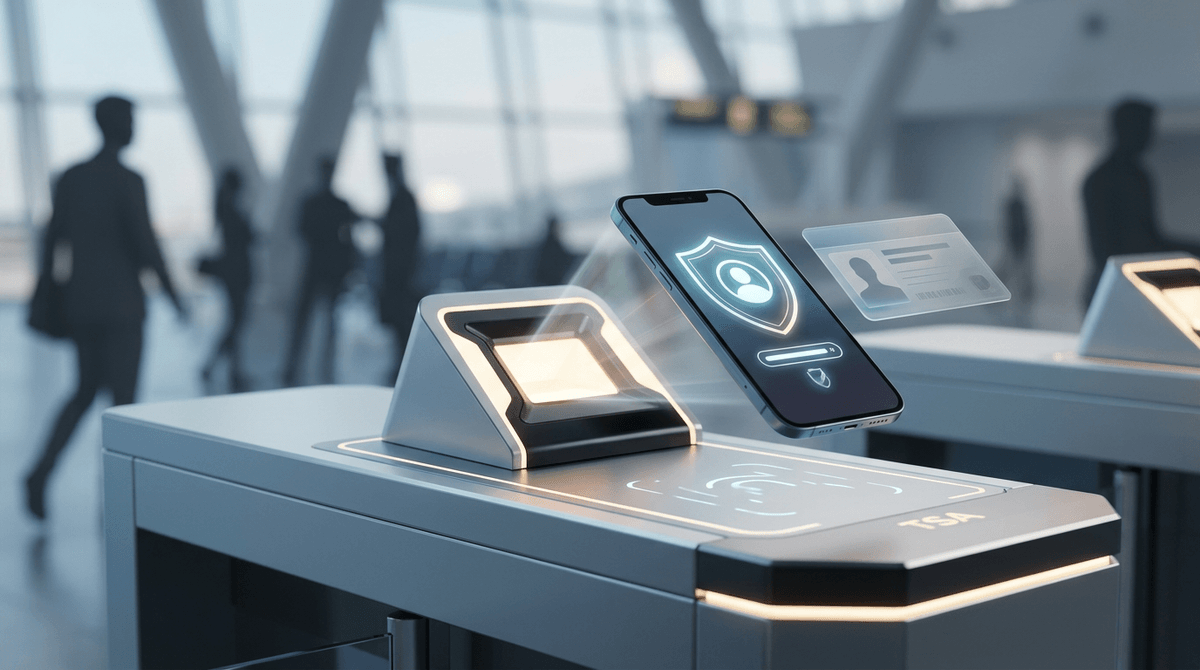
You’re standing in a normal TSA line, watching the same routine: people dig for wallets, hand over a physical ID, then shuffle forward while the officer checks it and waves them on. Digital ID mostly changes that handoff. Instead of passing a plastic card across the podium, you present your phone to a reader (or show a code), and the system pulls your identity details without the officer manually inspecting the card.
When it clicks, the check can take fewer seconds per person. When it doesn’t—reader down, your phone locked, screen glare, low battery—you can lose more time than you saved if you have to restart or step aside.
So the real question isn’t “Is it faster?” It’s “Will it work at your checkpoint, on your day, without forcing a do-over?”
The moment of truth: when Digital ID works, what you’ll actually do in line
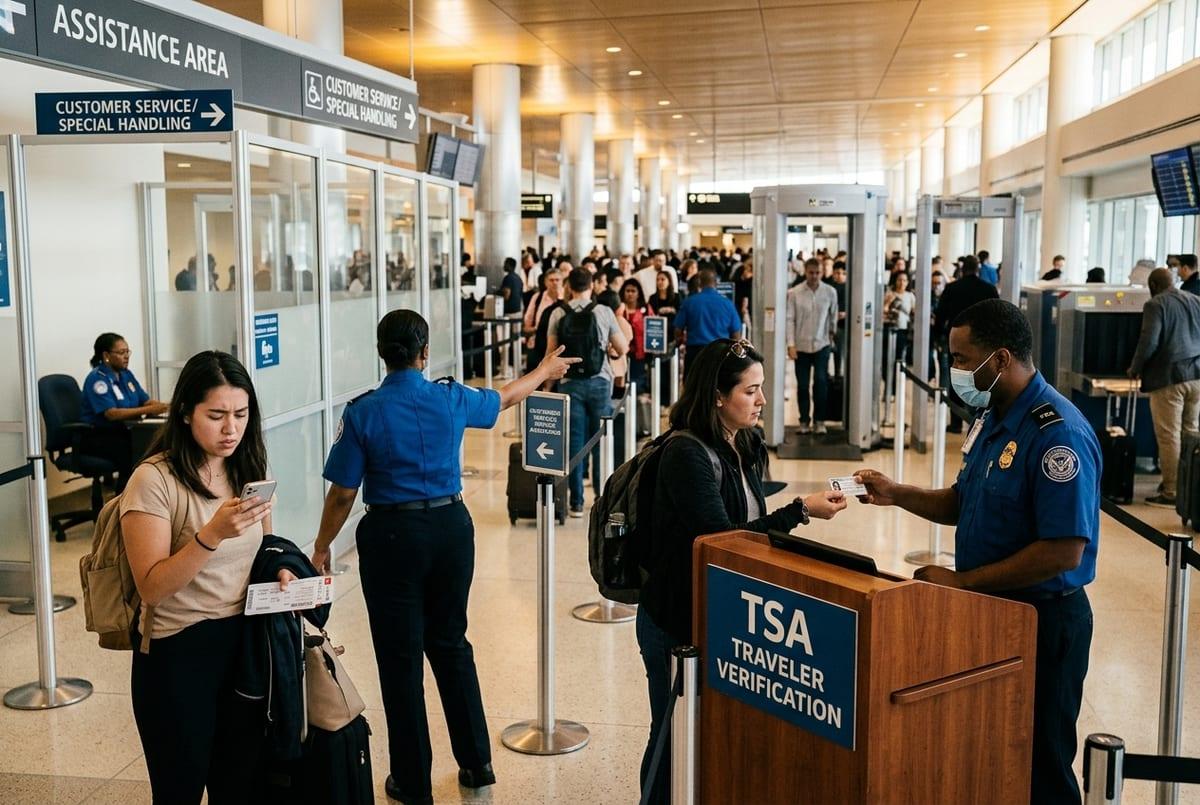
That “without forcing a do-over” part usually comes down to a simple, familiar moment: you reach the front, and the officer asks for ID. If Digital ID is set up at that podium, you’ll be directed to hold your phone near a reader or present a QR-style code, then keep moving while the system matches your details to your flight.
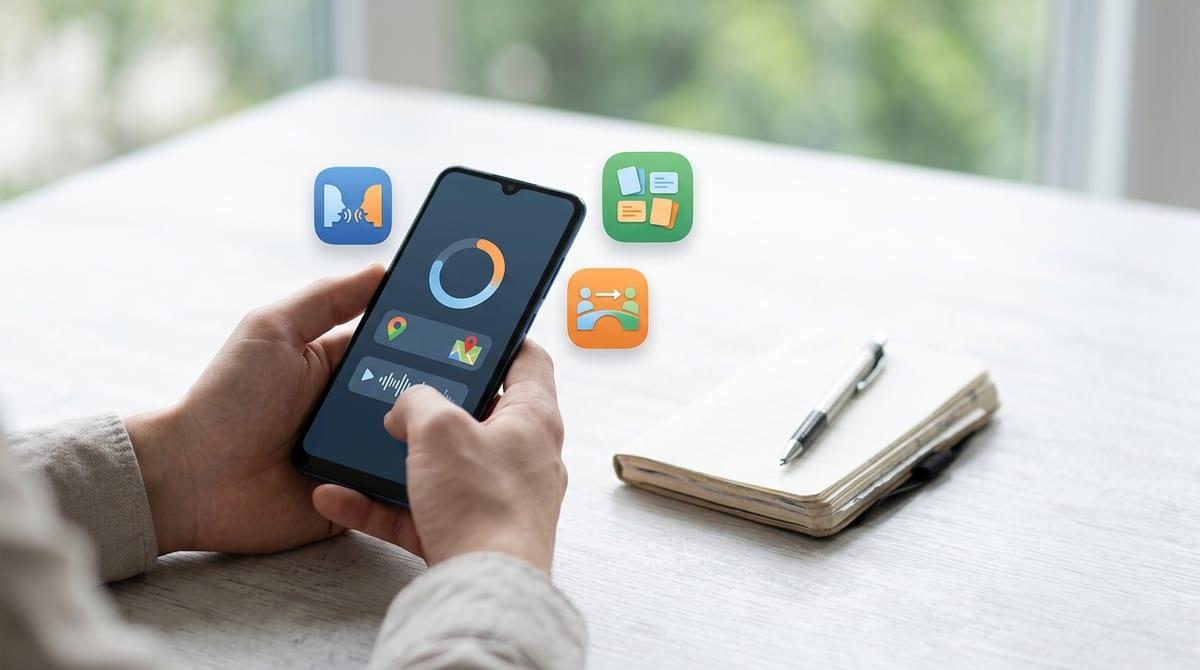
In a clean run, you don’t hand anything over. You keep your phone in your hand, unlock it, open the ID, and follow the on-screen prompt (often a quick consent tap). You’ll still get the same downstream steps—bin, pockets, shoes, scanner—so the best-case “speed” is shaving time off the credential check, not skipping security.
The catch is that you can’t usually troubleshoot while blocking the podium. If the reader can’t grab your info in a few tries, you may get sent to the side or told to show a physical ID, which makes where this setup exists a lot more important.
Where it’s available (and where it isn’t): a quick reality check before you commit
That “where this setup exists” part is the make-or-break detail, because you can walk into the same airport and find one checkpoint that can read Digital ID and another that can’t. Most people discover this the hard way: you’ve already committed to the faster-looking lane, you reach the podium, and the officer says they’re not set up for it there.
Availability usually depends on three things: your state has to issue a mobile driver’s license that TSA accepts, your airport has to have Digital ID readers at that checkpoint, and your flight has to be in a flow the system can match (some setups work best with specific airlines or terminals). Even when an airport “supports” it, that can mean only certain lanes, certain checkpoints, or certain times when staffing and equipment are in place.
The practical downside: confirming all this takes a few minutes of checking before you leave, and you still need to plan for arriving at a podium that can’t take it. That’s where lane choice—and getting routed correctly—becomes the next risk point.
Will your airline and checkpoint setup let you use it, or will you get bounced to a different line?
That lane choice risk usually shows up as a small sign problem: you see “PreCheck,” “Standard,” maybe a priority lane, but nothing that clearly says “Digital ID here.” So you pick the shortest line, and only at the podium do you learn the reader is on a different bank of lanes—or only on the other side of the checkpoint you didn’t enter.
In practice, Digital ID access is tied to the exact podium setup, not the airport in general. If your terminal has multiple checkpoints, one may have readers while another doesn’t. Even within the same checkpoint, the reader may be on a subset of stations, and an officer might route you based on crowd control, not your phone. If the system is integrated with airline data for that location, it may also work smoothly for some flights while others get the “use your physical ID” fallback.
The real-world cost is time lost to repositioning: stepping out, crossing lanes, and re-queuing. That’s why you want a quick way to confirm the right checkpoint and lane before you commit.
How Digital ID can backfire: the delays people don’t anticipate
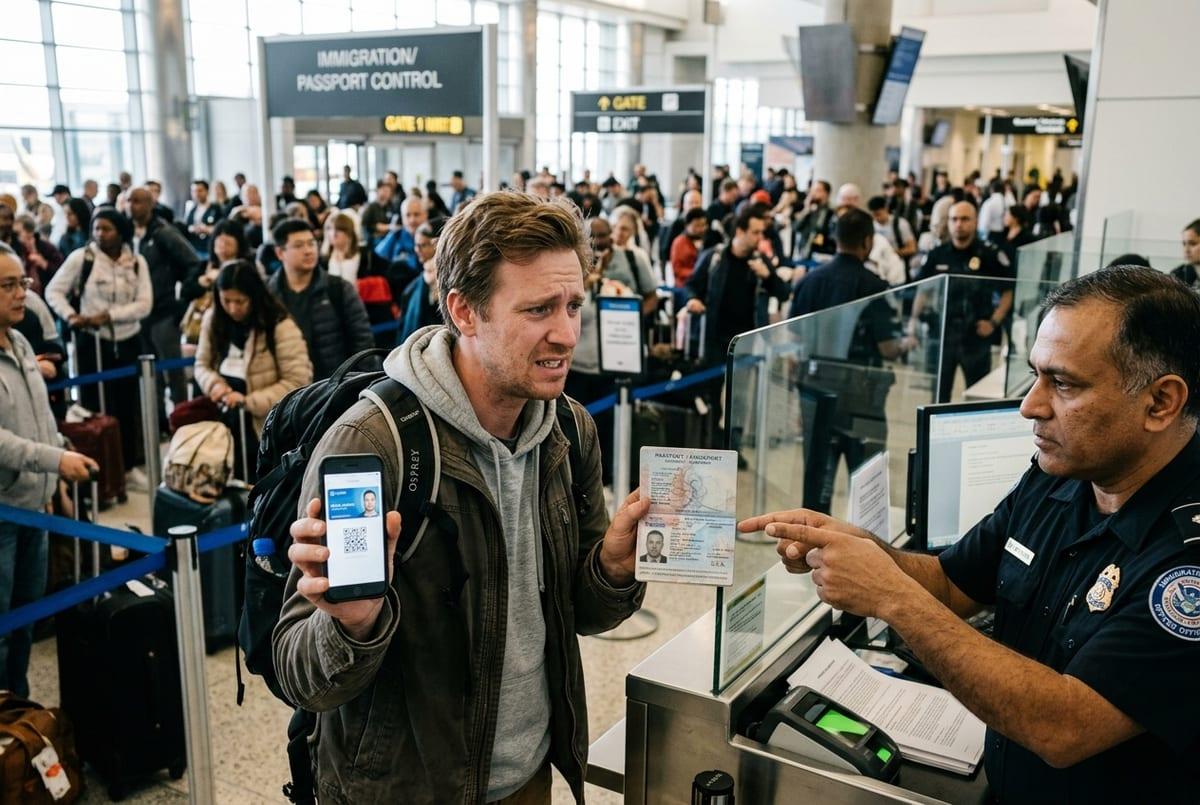
That “quick way to confirm” matters because the delays usually show up as small failures right at the podium. The reader is there, but it’s offline, the lane is temporarily running “physical ID only,” or the officer is pushing everyone through the fastest pattern and won’t pause for retries. When that happens, you don’t just lose seconds—you lose your place.
Phone problems create the same kind of setback. Face ID fails after a quick reposition in line, your wallet app needs a login you haven’t used in months, the screen is too dim under bright lights, or the QR/NFC prompt doesn’t load on weak signal. If it takes more than a couple attempts, you’ll often get waved to the side, then asked for a physical ID anyway.
You did the “faster” step, then you still do the old one. That’s why the lowest-risk approach is to treat Digital ID as optional and bring a clean fallback.
The low-risk way to try it: backups that keep you moving
That “clean fallback” is what keeps Digital ID from turning into a podium-side timeout. The low-risk way to try it is to walk up ready for Digital ID, but with a physical ID you can produce in one motion if the officer says “not today.” Put your driver’s license or passport in an easy pocket, not buried in a bag, so the switch costs you seconds instead of sending you to the side.
Do the same with your boarding pass. Even if your setup can match you automatically, carry it in your airline app and take a screenshot if your airline allows it and your pass doesn’t change after check-in. Then handle the phone basics before you enter the queue: charge past 30%, turn up brightness, and make sure you can unlock the device without a network connection.
The point is simple: one attempt, one quick retry, then you pivot without arguing with the equipment. That mindset makes the final go/no-go check straightforward.
So, will it save you time on this trip? A quick go/no-go decision before you leave
That “one quick retry, then you pivot” mindset works best when you decide before you leave whether Digital ID is likely to help today. If you can confirm your departure airport’s checkpoint has Digital ID at the lanes you’ll actually enter, and your state’s mobile ID is accepted there, it’s worth trying—because it can trim the ID handoff when lines are steady.
If you can’t confirm the lane, you’re switching terminals, or you’re already cutting it close on time, treat Digital ID as a bonus only. Bring a physical ID you can grab fast, keep your boarding pass ready, and plan your schedule as if you’ll do the normal check.