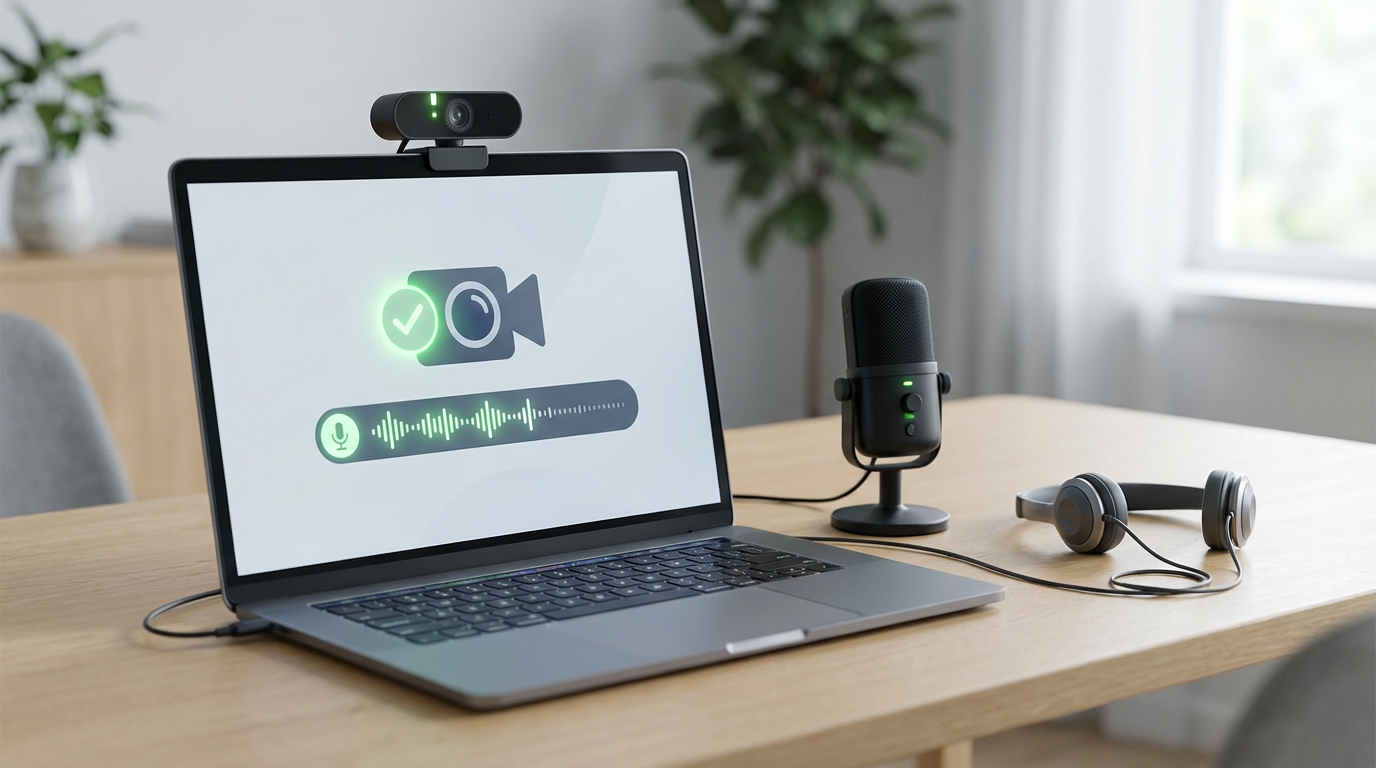
How to Test Your Webcam and Mic Before Making a Video Call
Learn how to test your webcam and mic before a video call on Zoom, Teams, or Meet—check devices, permissions, and step-by-step fixes in under 2 minutes.

5 Ways To Check How Much Life Your Ssd Has Left
Learn 5 ways to check how much life your SSD has left in Windows: SMART wear, Percent Used, host writes vs TBW, and maker tools. Back up before it’s too late.
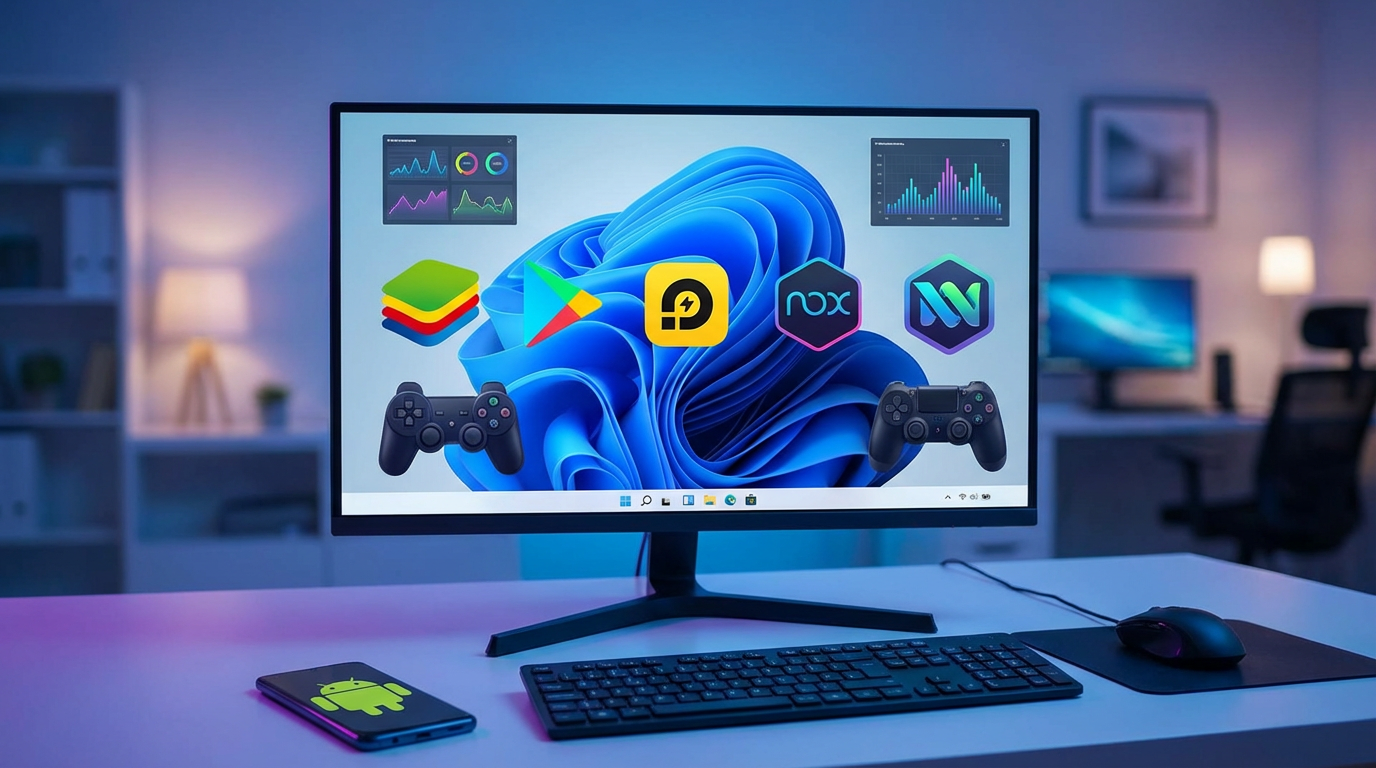
Want to Run Android Apps and Games on Your PC? These 5 Programs Can Help
Run Android apps on your PC with the right tool: compare BlueStacks, Google Play Games, LDPlayer, NoxPlayer, and WSA for login, APKs, and FPS.

Before You Blur Your Home on Google Maps, Read This
Considering blurring your home on Google Maps? Learn the real risks, what Street View blur changes, the delivery trade-offs, and better privacy steps.

5 Things You Can Automate With Task Scheduler on Windows
Automate with Task Scheduler on Windows safely: set logon worksets, Robocopy backups, cleanup, quiet hours, and failure alerts—no extra tools.
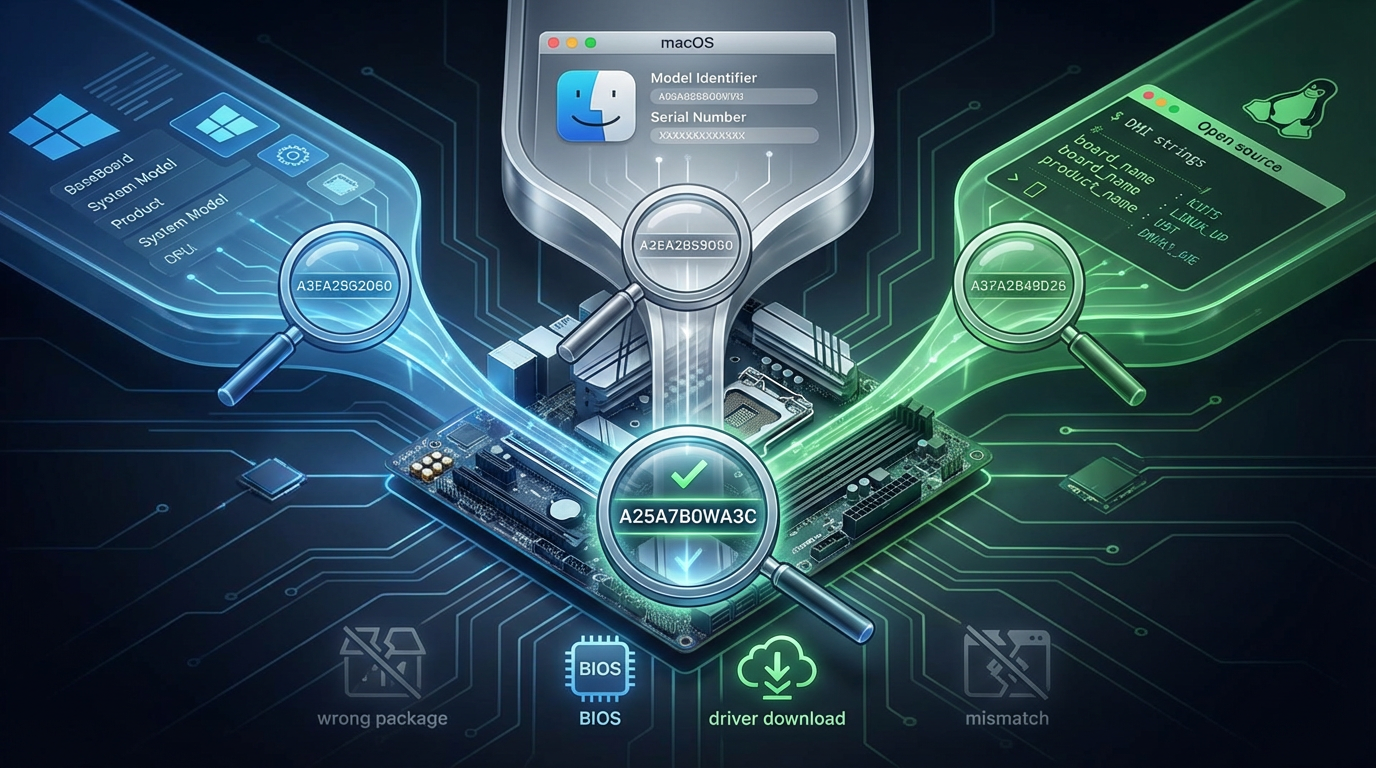
How to Find Your Motherboard Model on Windows, macOS, and Linux
Find your motherboard model on Windows, macOS, and Linux using BaseBoard/System Model, serial numbers, and dmidecode—avoid wrong BIOS and drivers.
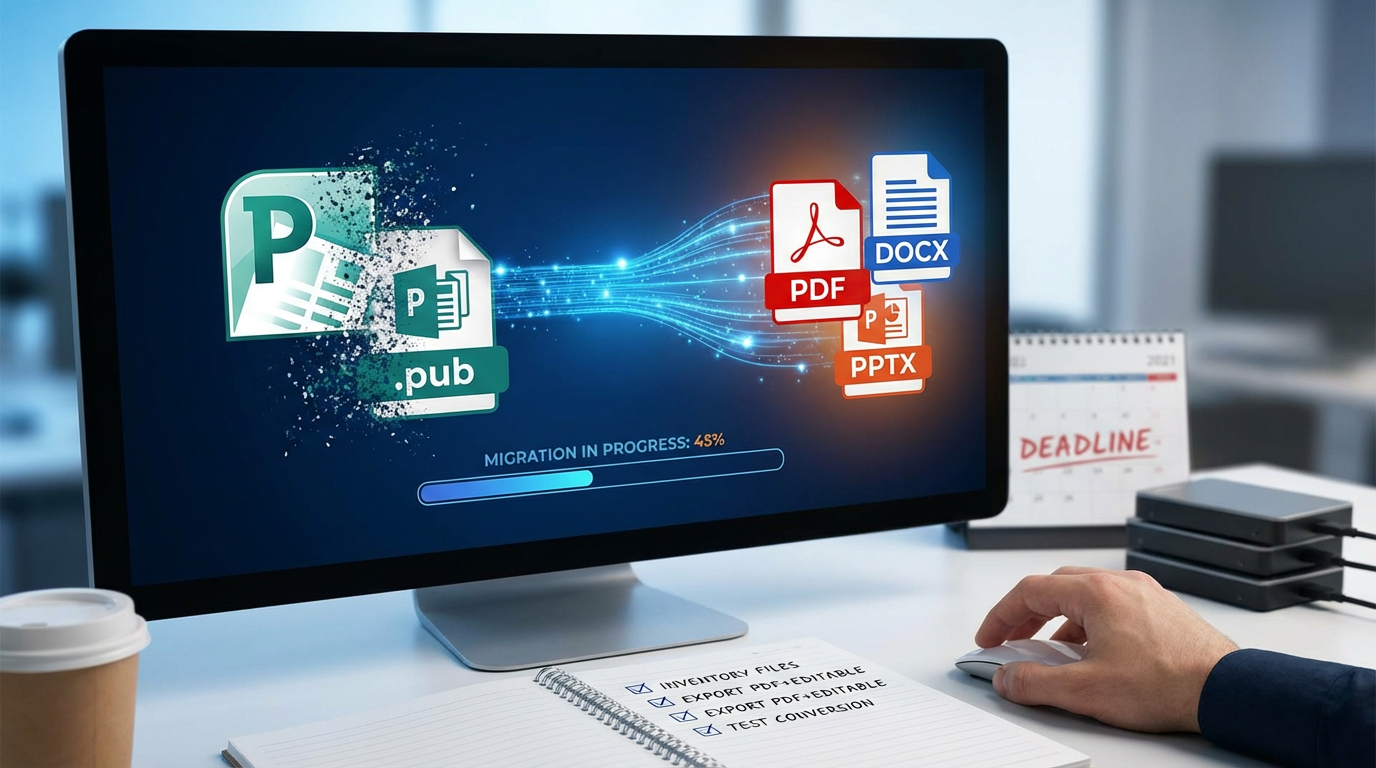
PSA: Make sure you do this before Microsoft Publisher disappears
Microsoft Publisher is going away—learn how to inventory .pub files, export PDF + editable backups, and choose Word, Canva or InDesign fast.
5 Great Software Tools Found on Github You'Ll Actually Use
Discover 5 GitHub software tools you'll actually use—repo sanity check plus picks for text expansion, screenshots, notes, cleanup, and syncing.

Want More From Microsoft's Copilot AI? Try These 10 Features Right Away
Make Copilot matter in your workday: use Microsoft Copilot AI to summarize Outlook threads, draft Word docs, turn Teams recaps into tasks, and verify Excel formulas.

ChatGPT Remembers Everything. 8 Privacy Tricks I Use to Prevent It From Learning Too Much About Me
8 privacy tricks to reduce what ChatGPT remembers: use Temporary Chat, disable Memory/model training, scrub identifiers, and use placeholders before pasting sensitive text.

10+ Tips to Help You Master Microsoft OneDrive
Master Microsoft OneDrive with 16 practical tips for reliable syncing, clean folder organization, safer sharing links, and easy version history recovery.

How a Single Browser Plug-In Could Make You More Productive
Use a browser extension to block distracting websites—nag or hard block—in 10 minutes. Add schedules, typed reasons, and timed unlocks to stay focused.

Want to Reach Flow State Faster? These Apps Amplify the Pomodoro Technique
Reach flow state faster with the best Pomodoro apps—Forest, Be Focused, Toggl Track and more—plus a 10-minute setup to block distractions without tinkering.

You're Using Windows 11 Wrong—Until You Learn These 15+ Game-Changing Tricks
Learn Windows 11 productivity shortcuts to snap windows, speed up Search and File Explorer, cut distractions, and streamline Start, taskbar, and notifications.