Introduction
You open a Pomodoro timer, pick “25 minutes,” and tell yourself you’ll just start. Ten minutes later, Slack lights up, a browser tab steals you, and the timer becomes background noise. Or you push through a break because you finally gained traction, then crash an hour later and call the whole system “too rigid.”
That’s not a motivation problem. Most setups leak in small ways: the task isn’t defined enough to begin cleanly, the break signal is easy to ignore, and “just checking one thing” stays one click away. The trade-off is real: add too many features and the app becomes another place to manage work; keep it too bare and it won’t protect your attention when the day gets noisy.
The goal is simple: one app, lightly configured, that gets you from “starting a timer” to “staying in it” without babysitting the process. To do that, you need to understand why many timer apps make flow harder to reach in the first place.
Why Most Timer Apps Make Flow Harder to Reach
Many timer apps turn “focus” into a tiny project: choose a task, pick a playlist, set labels, tweak lengths, review charts. You do a minute of setup, then hit start already half-switched out of work mode. Even worse, the timer keeps running while your attention drifts, so you get a false sense of progress and blame yourself when the session feels unproductive.
The other common failure is weak guardrails. If notifications, tempting sites, and chat are still one click away, your brain keeps checking for “urgent” signals. Then breaks go off at the wrong time: either too easy to skip when you’re rolling, or too easy to stretch when you’re tired.
What actually helps is surprisingly narrow, which is why the next step is picking the few features that pull the most weight.
The Three Non-Negotiable Features That Actually Matter
You start a session and it feels fine—until you realize you’re still deciding what “work” means, and everything distracting is still within reach. The apps that actually help tend to nail three basics, then get out of the way.
1) A single, preloaded next task. Not a long to-do list. One clearly phrased action you can begin in under 60 seconds (for example, “Draft the intro paragraph,” not “Work on report”). If you have to choose after the timer starts, you’ll drift.
2) Automatic intervals with a real break cue. Auto-start focus and breaks, plus a gentle but hard-to-miss signal. The friction: if breaks don’t start on their own, you’ll skip them when you’re in motion; if they start without a clear cue, you’ll ignore them and burn out later.
3) Guardrails during focus. Website/app blocking or at least a “focus mode” that reduces openings for impulse checks. If the block list is heavy to maintain, you won’t use it—so it needs to be simple enough to run every day.
Forest vs. Be Focused vs. Toggl Track: Matching Apps to Your Distraction Pattern

That “simple enough to run every day” test is where app choice matters, because each tool handles guardrails and task clarity in a different way. If your problem is impulse phone-checking, Forest works best when you treat it like a yes/no commitment: start a session, don’t touch the phone. The friction is real: if your job needs frequent 2FA codes, calls, or on-call alerts, you’ll either break sessions or stop using it.
If your problem is break drift—skipping them when you’re rolling, stretching them when you’re tired—Be Focused tends to fit. It’s built around repeatable intervals and quick task lists without asking you to “manage” productivity. The trade-off is lighter blocking, so it won’t stop a browser spiral on its own.
If your problem is fuzzy work and constant context switching, Toggl Track can help because it forces an explicit label on what you’re doing. But it’s easy to turn it into tracking theater. Keep one running task and one “next” task only, then use the timer to start the work, not to grade it.
Session vs. Focus Keeper vs. PomoDone: Advanced Options for Power Users
If you already know your intervals and still lose momentum, the missing piece is usually control: either tighter guardrails, cleaner break handling, or fewer clicks between your task list and the timer. That’s where “power user” apps help—but only if they reduce decisions during the work block instead of adding new ones.
Session is a good fit when you want focus sessions to behave like a workspace preset: pick a session type and let it run with the same rules every time. The trade-off is setup gravity; it’s easy to build too many session templates and spend Monday morning tuning instead of working. Keep two modes max: “Deep Work” and “Admin.”
Focus Keeper works when you want fast, repeatable Pomodoros with minimal task overhead. It’s reliable for auto-start and break cues, but it won’t solve browser drift by itself. Pair it with OS-level Focus/Do Not Disturb and a short block list you can turn on in one step.
PomoDone shines if your tasks already live in a tool like Trello, Asana, or Todoist and you want the timer glued to “the next card.” The consequence: integrations can break or feel noisy. If syncing becomes a weekly chore, your “one app” turns into three—so set it up once, then freeze the workflow.
Setting Up Your Chosen App in 10 Minutes
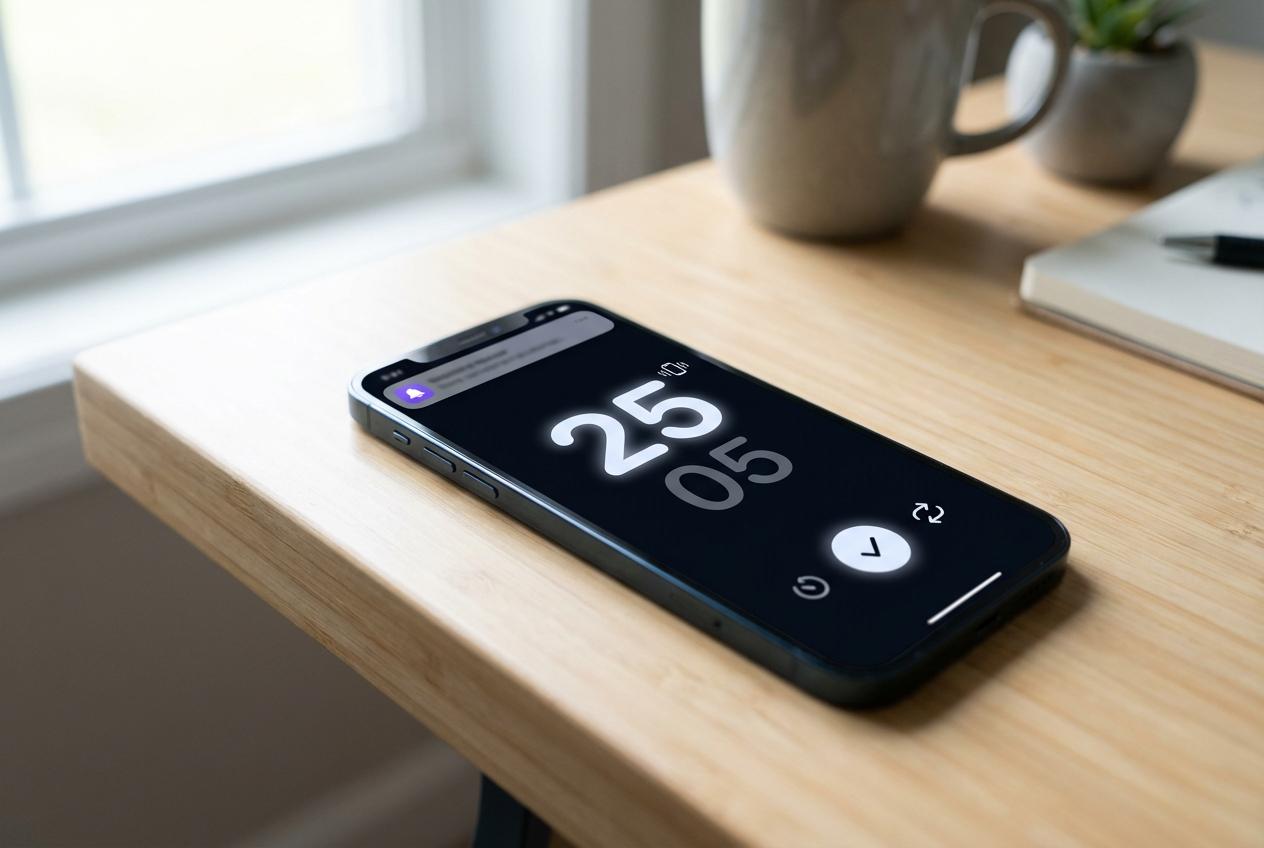
“Set it up once, then freeze the workflow” is the difference between a timer that fades into the background and one that keeps pulling you out to tinker. Open your chosen app and create one default mode you can run without thinking: 25/5 (or your usual), 4 cycles, with auto-start for both focus and breaks turned on. Then set one cue you can’t miss but won’t hate—sound off, vibration on, or a persistent banner—so breaks don’t quietly disappear.
Now preload a single next action, not a list. Write it as something you can start in under a minute (“Reply to client about scope,” not “Email”). If your app supports it, keep one backup task labeled “Small Wins” for low-energy moments (expense report, inbox triage). Anything else stays in your main task tool.
Last, add guardrails you’ll actually use daily. Pick 3–5 repeat offenders (Slack, news, YouTube, X) and block only those during focus. The trade-off: overblocking creates exceptions, and exceptions train you to disable the whole thing. Run one 60–90 minute block today, then decide if the issue is the app—or the habit of switching too fast.
When to Switch Apps vs. When to Stick
That “switching too fast” habit usually shows up the same way: you hit friction once—blocking feels annoying, breaks feel off, logging feels noisy—and you assume a different app will fix it. Before you move, run three work blocks on three separate days with one frozen setup and one rule: don’t change settings mid-block.
Switch when the app can’t meet a hard need: it doesn’t support your OS, blocking is missing or unreliable, auto-start and cues can’t be made obvious, or your task tool integration creates extra steps. Stick when the pain is behavioral: you keep writing vague tasks, you ignore the break cue, or you “just check” anyway. If it’s behavior, change one habit—not the tool.
Give your choice two weeks, then review one metric: how quickly you start real work after pressing Start.