What “free on Roku” actually means (and what it doesn’t)
You’ll see “Free” all over Roku, but it doesn’t mean “no strings attached.” Most free viewing on Roku is ad-supported streaming: you pay with a few commercial breaks, and the selection can rotate in and out without notice. “Free” also doesn’t mean you’re skipping the internet bill—streaming still uses your home data, which matters if you have a cap.
What it usually does not include: new-release movie rentals, premium channel add-ons, or subscription trials that quietly convert to paid plans. A common trap is clicking a title page that offers both a free option and a paid one; the paid button is often the most prominent.
Start with the Roku Channel: the easiest zero-cost option
The most reliable place to start is the Roku Channel, because it’s built in and designed around free, ad-supported viewing. On most devices it’s already on the home screen; if not, you can add it from the Channel Store without paying. Inside, look for the clearly labeled “Free” rows: you’ll typically find a rotating mix of movies, older TV seasons, and sometimes “live” streams that feel like cable channels with scheduled programming.
The trade-off is straightforward: ads and an uneven catalog. Some titles look appealing until you realize they’re leaving soon, and newer movies are often positioned nearby as rentals. When you open a title, slow down for one second and read the options—choose the play button that says it’s included with the Roku Channel, not one that mentions rent, buy, or a premium channel. If you have kids in the house, this is also a good moment to turn on a Roku PIN for purchases so “curious clicking” can’t become a charge.
Use Roku’s Search to filter for “Free” before you click Play
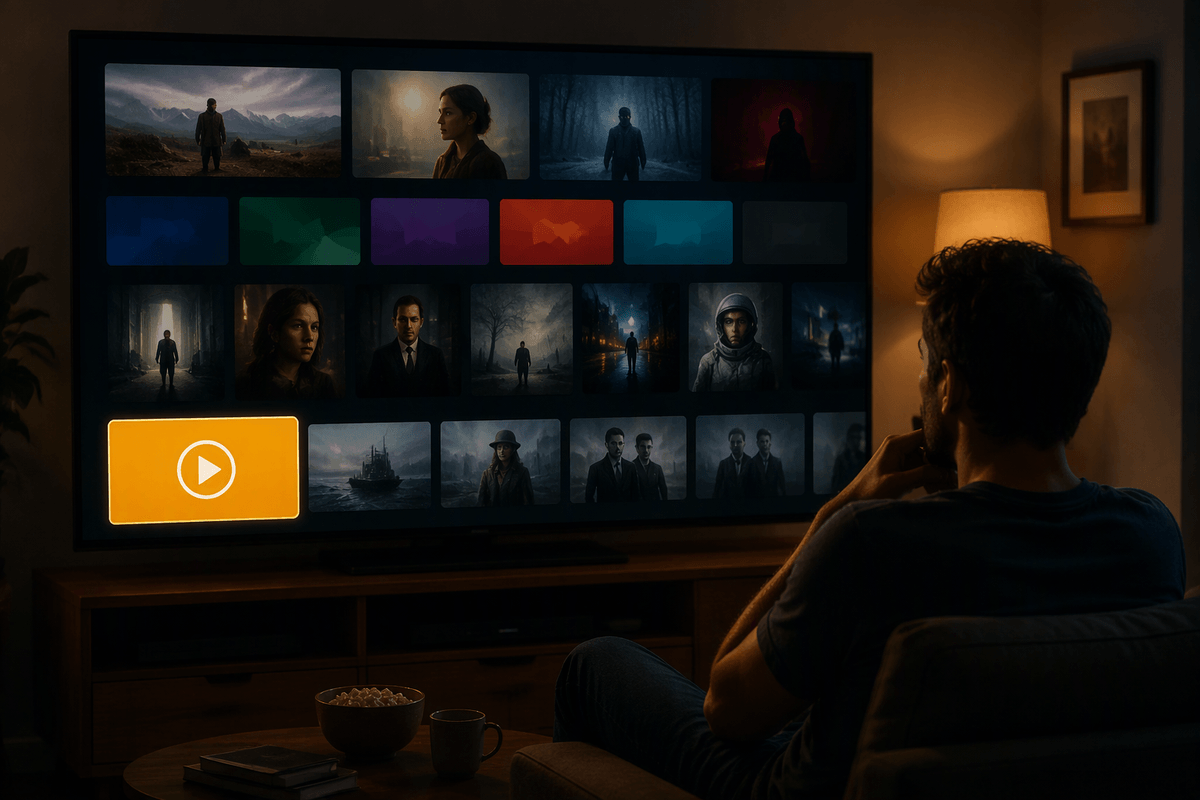
You’ve probably used Roku Search the quick way: type a title, hit OK, and pick the first result that looks right. That’s how people end up on a rental page when a free option exists one row lower. Instead, treat Search like a price-check tool. After you search, open the results and look for the “Free” label on the viewing options, or filter/sort until the free sources rise to the top (the exact layout varies by device and software version). If a title shows multiple ways to watch, pause and choose the option that clearly says it’s included for $0, not “Rent/Buy,” “Start free trial,” or a premium add-on.
This takes a few extra clicks, and that’s the point: those clicks are cheaper than a $3.99 “accident.” If you don’t see a free option today, it may still show up later on a different app, so add it to your Save List and check again instead of starting a trial out of impatience.
Beyond Roku: the best standalone free apps to add once
After you’ve checked the Roku Channel and run a quick “Free” search, the simplest way to expand your options is to add a few well-known free, ad-supported apps once and leave them there. Good staples are Tubi, Pluto TV, Freevee, The CW, PBS, and Plex. They’re free to install, don’t require a cable login, and they usually have enough depth that you can find something watchable any night without starting a trial. The catalogs overlap a bit, but each one has its own strengths—Pluto TV leans into live channels, Tubi tends to have a deep movie bench, and PBS is great for straightforward, family-friendly picks.
The practical cost is time and clutter: too many apps makes your home screen messy and decision-making slower. Keep it to three to six, and be selective about account prompts. If an app offers “sign in to personalize,” you can often skip it and still watch free; only create accounts for features you’ll actually use, like a watchlist or parental controls.
Free live TV on Roku: when channels beat on-demand
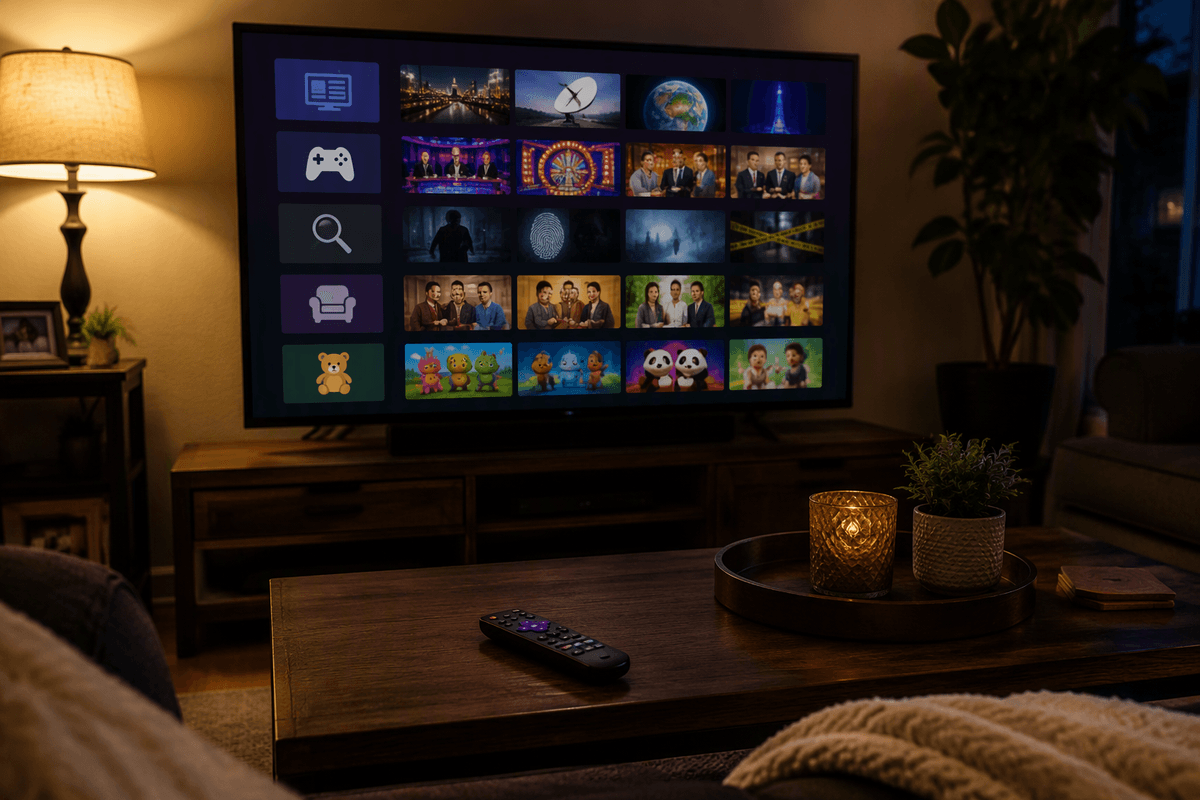
Some nights you don’t want to browse 12 rows of thumbnails just to land on something “fine.” That’s where free live TV on Roku can beat on-demand: you open a channel guide, pick a category (news, game shows, crime, classic sitcoms, kids), and let it run like old cable. Apps like Pluto TV, the Roku Channel’s live section, Plex, and other FAST (free ad-supported streaming TV) services are built for this “lean back” style, and it’s especially useful for background viewing while cooking, folding laundry, or winding down.
Live channels also solve a common free-streaming frustration: incomplete seasons and rotating catalogs. You may not get every episode on demand, but you can still catch a steady rotation of familiar shows. The trade-off is less control and more repetition—plus ads are still part of the deal—so it helps to favorite a handful of go-to channels instead of channel-surfing until you’re annoyed.
The “gotchas” that trigger charges (and how to block them)
You usually get charged on Roku in three ways: rentals/purchases, subscription trials that convert, and add-on “channel” subscriptions billed through your Roku account. The risky moments are the ones that feel like normal playback—an extra-bright “Rent” button, a “Start free trial” prompt, or a show page that defaults to a paid source even though a free app has it too. Another quiet cost is handing over payment info “for convenience,” which makes one-click upgrades much easier later.
Block the easy accidents first. Turn on a Roku PIN for purchases (and require it for adding channels), then remove saved payment methods if you don’t plan to buy anything. When a screen offers multiple ways to watch, slow down and read the small text under the button—look for “Free” or “Included,” and back out if the wording mentions rent, buy, trial, or a premium channel. The limitation: some apps keep nudging you to sign in or upgrade, so you’ll still need a quick “pause and verify” habit before pressing Play.
A simple watch-free routine you can repeat every week
On a typical weeknight, use the same five-minute loop: open the Roku Channel first and scan one “Free” row plus the Live guide for something easy, then run a Roku Search for one specific title and only click sources labeled “Free” or “Included.” If nothing looks good, open just one of your staple free apps (like Tubi or Pluto) and pick from your watchlist or a familiar category, not the homepage promos.
Before you start, do one quick safety check: confirm the play button doesn’t say rent, buy, or trial, and keep purchases locked behind a PIN. The cost is a few extra clicks, but it prevents the $3.99 “oops” and keeps your home screen from turning into a cluttered upsell menu.