When renewals keep sneaking up on you
You notice it when a “small” charge hits on a random Tuesday: $6.99 here, $12.99 there, and suddenly you’re annoyed because you didn’t choose it—you just forgot it was coming. The usual fix is scattered: a receipt email you can’t find, an App Store page that only shows some renewals, and a bank line item that doesn’t say what plan you’re on or when the next billing date is. That’s how subscriptions stay invisible until they cost you money.
What you need is one place that makes renewals hard to miss and easy to act on, without turning upkeep into a side project.
A single dashboard beats chasing emails, app stores, and bank lines
Most people try to “rebuild the list” every time they feel that surprise charge. You search Gmail for receipts, check the iOS or Google subscription screen, then scan a bank statement for a merchant name that doesn’t match the service. It works just enough to feel productive, but it fails when the same subscription lives in two places: the login is one email, the billing is on a partner’s card, and the renewal date is hidden behind a plan change.
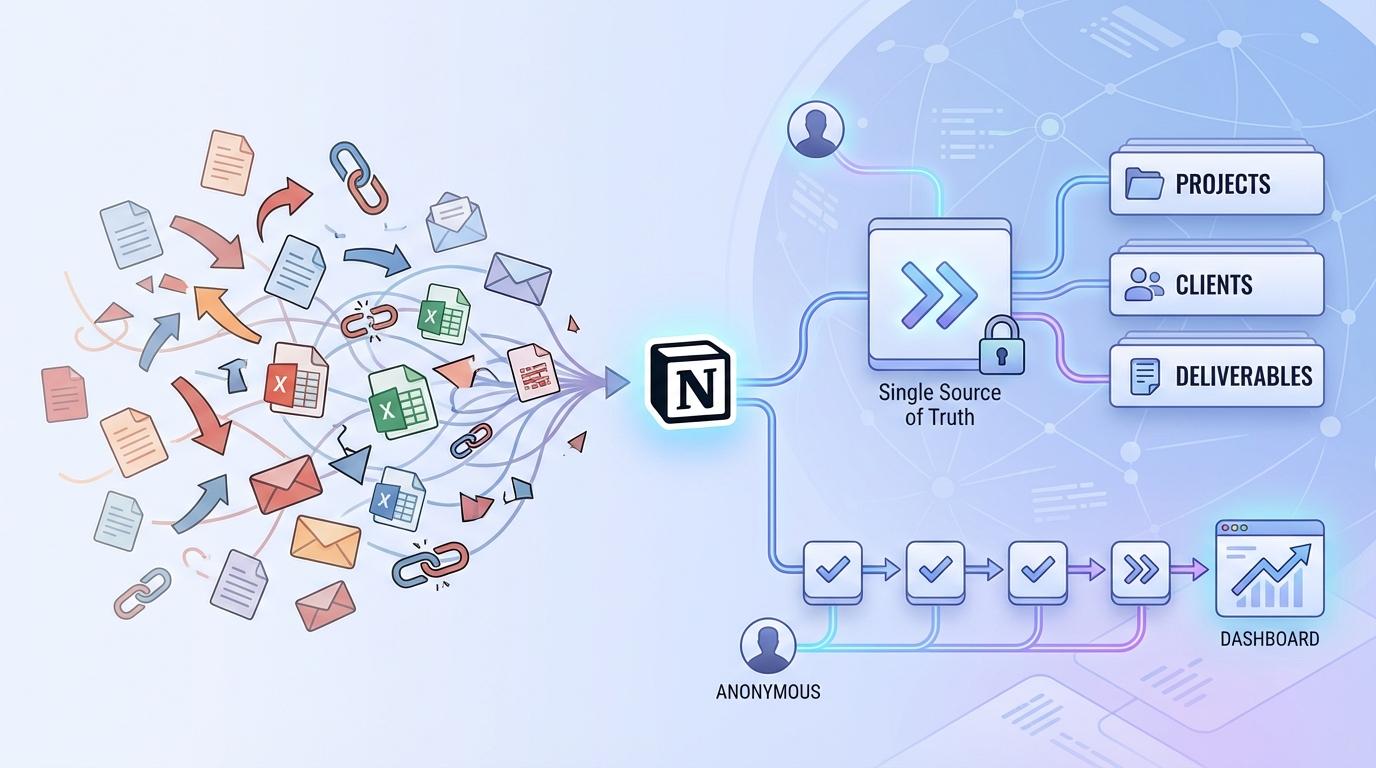
A single dashboard fixes the hunt by giving you one view that’s organized the way decisions get made: what the subscription is, what it costs, when it renews, and who uses it. In Wallos, you’re not trying to interpret “APPLE.COM/BILL” or guess which “Premium” tier you picked—you’re recording the truth once, then using it as your reference.
The trade-off is obvious: you have to do that first pass. But once it’s centralized, you stop paying attention only when the charge posts, and you start acting before it does.
Keeping it up to date shouldn’t feel like starting a spreadsheet business
That first pass is where most trackers fall apart, because “centralized” turns into “constantly maintained.” If keeping the list current means copying prices from receipts, counting months, and rewriting rows every time someone switches plans, you stop updating it—and the surprises come back.
Wallos works best when updates are the exception, not the routine. You add each subscription once with the plan name, billing cycle, and next renewal date, then you only touch it when something changes: a price hike, a yearly upgrade, a canceled trial, or a card swap. In a typical household, that’s a handful of edits a month, not a weekly audit.
The friction is that you still need a habit for changes—otherwise your “single source of truth” drifts. A simple rule helps: when you upgrade, cancel, or start a trial, update Wallos the same day. That’s what makes the renewal dates worth trusting.
Renewal dates you can actually trust (and why bank statements fail here)

That trust breaks the moment you use a bank statement as your “renewal calendar.” You see when you were charged, not when you’ll be charged next. If a service bills early because a month is shorter, shifts time zones, or retries after a failed payment, the posting date moves. Even worse, a plan change can trigger a pro-rated charge that looks like a renewal but isn’t.
Bank lines also strip context. “PAYPAL *XYZ” or “APPLE.COM/BILL” doesn’t tell you which account, which tier, or whether it’s monthly vs yearly. If two people pay for the same service on different cards, you can stare at transactions and still miss the real next date.
In Wallos, the date you care about is explicit: next renewal, tied to the plan and cycle you chose. The trade-off is simple: you have to correct it when billing rules change, but then reminders stop guessing and start matching reality.
What are you really paying per month/year once everything is normalized?
Once your next renewal dates are explicit, the next surprise is what the total really is. A $79.99 yearly plan feels “handled” until you convert it and realize it’s effectively about $6.67 a month, sitting next to four other “small” monthly charges. The same problem hits the other way, too: a $9.99 monthly plan is almost $120 a year, which changes the keep-or-cancel math fast.
Normalizing everything to a monthly and yearly view is where a dashboard beats mental math. In Wallos, you can treat each subscription as one clean number in the same unit, even if the billing cycles differ. That makes bundles and duplicates obvious: two music plans at $10/month each looks fine separately, but $240/year for one household is harder to defend.
The friction is edge cases. Intro pricing, add-ons, and taxes can make “per month” an estimate unless you record them, which is why the reminder logic matters next.
Reminders that match how cancellations and trials actually work
That “per month” number gets shaky the moment a trial flips to paid or a cancellation doesn’t stop billing when you think it will. In real life, you cancel and still get service until the end of the period. Or you start a 7‑day trial on a Thursday night, and the charge lands a week later at a time you’re not watching. Generic calendar alerts don’t account for that. They fire on a date, but they don’t tell you whether you can still avoid the charge.
dolphin. app Wallos reminders work best when you tie them to decisions, not just renewals: a “cancel by” date for trials, and a separate “access ends” date if you want to remember to downgrade or remove a shared login later. That way, you can set an alert far enough ahead to actually act—like 48–72 hours before a trial converts—then still keep the true renewal date for budgeting.
The trade-off is that you have to choose which date you care about for each service. Some people want maximum warning; others only want a heads-up on big renewals. Once more than one person pays, though, those preferences collide fast.
When multiple people, cards, and logins are involved, things get messy fast

Those preferences collide because “the subscription” isn’t one thing anymore. One person starts the trial on an iPhone, another person upgrades the plan on the web, and the charge lands on a shared card—or worse, a card that’s about to expire. When you try to clean it up later, you’re left matching a merchant name to the right login, the right tier, and the right person who can actually cancel it.
This is where a tracker has to store household context, not just prices. In Wallos, treat each entry like a record: who uses it, who pays, which card it hits, and which login/email it’s tied to. That makes duplicates show up fast (two “family” plans on two stores) and prevents the classic mistake of canceling the wrong account.
The friction is social: you’ll need agreement on naming and ownership, and someone has to log plan changes. That raises the next question—where should this shared data live?
If you care about privacy and control, where does your subscription data live?
That shared data lives somewhere, and the “somewhere” matters once you’re storing who pays, which card is used, and which email/login can cancel. The easy option is a cloud service, but that can mean handing a full map of your household’s recurring spending to a third party, plus accepting whatever access rules and exports they support.
Wallos makes more sense if you want tighter control: decide where it’s hosted, who can access it, and what gets recorded. The trade-off is responsibility. If you self-host, you also own updates, backups, and account permissions. If you keep it minimal (service, cost, renewal date), you reduce privacy risk—but you may lose the context that prevents mistakes.