You don’t need “best”—you need the tool that matches how you bill
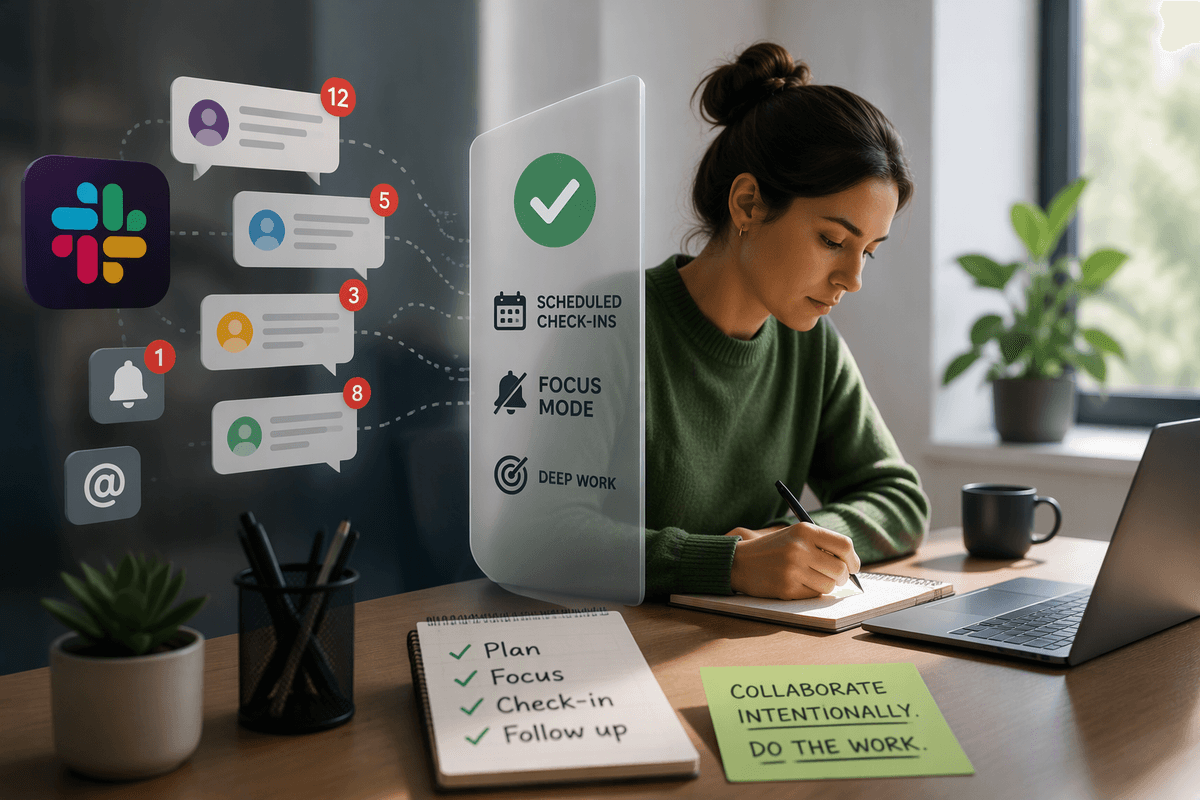
You can download three “top-rated” time trackers in an afternoon and still end up emailing yourself scraps of notes to rebuild an invoice on Friday. That’s usually the tell: the tool isn’t failing at tracking time—it’s failing at matching how you bill.
If invoices and retainers drive your week, you need clean project rates, approvals, and a straight path from hours to money. If you juggle lots of small client asks, you need fast timers and low-friction edits. If you forget to track until the day is gone, automatic capture matters more than another button.
The trade-off is real: the more a tool “helps,” the more process it adds. The goal is choosing the constraint you can live with.
First-week reality check: are you starting timers or rebuilding your day later?

That “constraint you can live with” shows up fast—usually in the first week, when you’re either starting timers in the moment or rebuilding your day later from memory, calendars, and messages. Both can work. The question is which one actually happens in your business when you’re busy.
If you reliably click start/stop, a manual tracker stays lightweight. You’ll get clean entries, and you won’t need to review a long activity feed. The friction is human: one missed timer can turn into a 30-minute audit at day’s end, and a teammate who “forgets sometimes” can quietly blow up your reporting.
If you tend to track after the fact, pick a tool that makes reconstruction cheap—strong timeline views, easy edits, and a review habit you can keep. Automatic capture helps, but it adds a new chore: reviewing and labeling what the tool recorded before it’s client-ready.
When invoicing is the workflow, not an afterthought (Harvest)
That review-and-label step is where invoicing tools either save you or slow you down. When your week ends with “get invoices out,” Harvest fits because it treats time entries as billable line items from the start. You set project budgets and hourly rates, track time against clients, then convert approved hours into invoices without exporting to a separate system.
The practical win is fewer handoffs. If you run a small team, approvals matter: you can require timesheet sign-off before hours become billable, which prevents the Friday scramble of arguing about “what this time was for.” The trade-off is that you’re buying into a billing-first workflow. You’ll spend time upfront on projects, tasks, and rates, and you’ll feel it when a client changes scope mid-month.
If your money lives inside invoices, that structure is a feature. If your work is fluid and you hate setup, the same structure can feel like process tax.
If you want fast, flexible tracking across clients without extra process (Toggl)
That “process tax” is exactly what shows up when your week is a blur of small client asks and you just need clean hours with minimal setup. Toggl tends to fit this mode because it treats time tracking as the product: start a timer, stop it, and fix the details later without having to build a billing system around it.
In practice, it’s easy to run separate projects for each client, use tags to mark context (support, meetings, revisions), and duplicate common entries so you’re not rebuilding the same work every day. If you bounce between tasks, the speed matters more than perfect structure. The friction is consistency: when everyone tags differently—or doesn’t tag at all—your reports turn into “close enough” instead of something you’d defend to a client.
If you invoice elsewhere and want tracking to stay lightweight, Toggl keeps you moving. If you start needing client-ready timesheets and deeper proof of where the day went, automatic capture becomes the next lever.
Automatic capture, client-ready timesheets, and reporting you can trust (Timely)
That “next lever” usually shows up when a client asks for detail and you realize your timers only prove totals, not how the day broke down. Timely is built for that moment: it automatically captures a timeline of what you worked on, then lets you turn that raw activity into client-ready time entries through a review step.
In a normal week, this changes your workflow from “remember and guess” to “scan and confirm.” You can drag blocks of activity into the right project, merge small fragments, and fix names before anything leaves your account. The practical friction is real, though: you’re committing to a daily (or at least weekly) review habit, and you’ll need to set clear expectations with a small team about what gets labeled and when.
Where Timely tends to earn its keep is reporting you can stand behind—consistent project breakdowns, clearer utilization patterns, and fewer arguments about missing time. If your biggest pain is proof and defensible timesheets, that trade-off can be worth it, especially before you standardize on a “focus tool” for individuals.
Focus, deep work, and habit-level insights—why Rize isn’t really “time tracking”
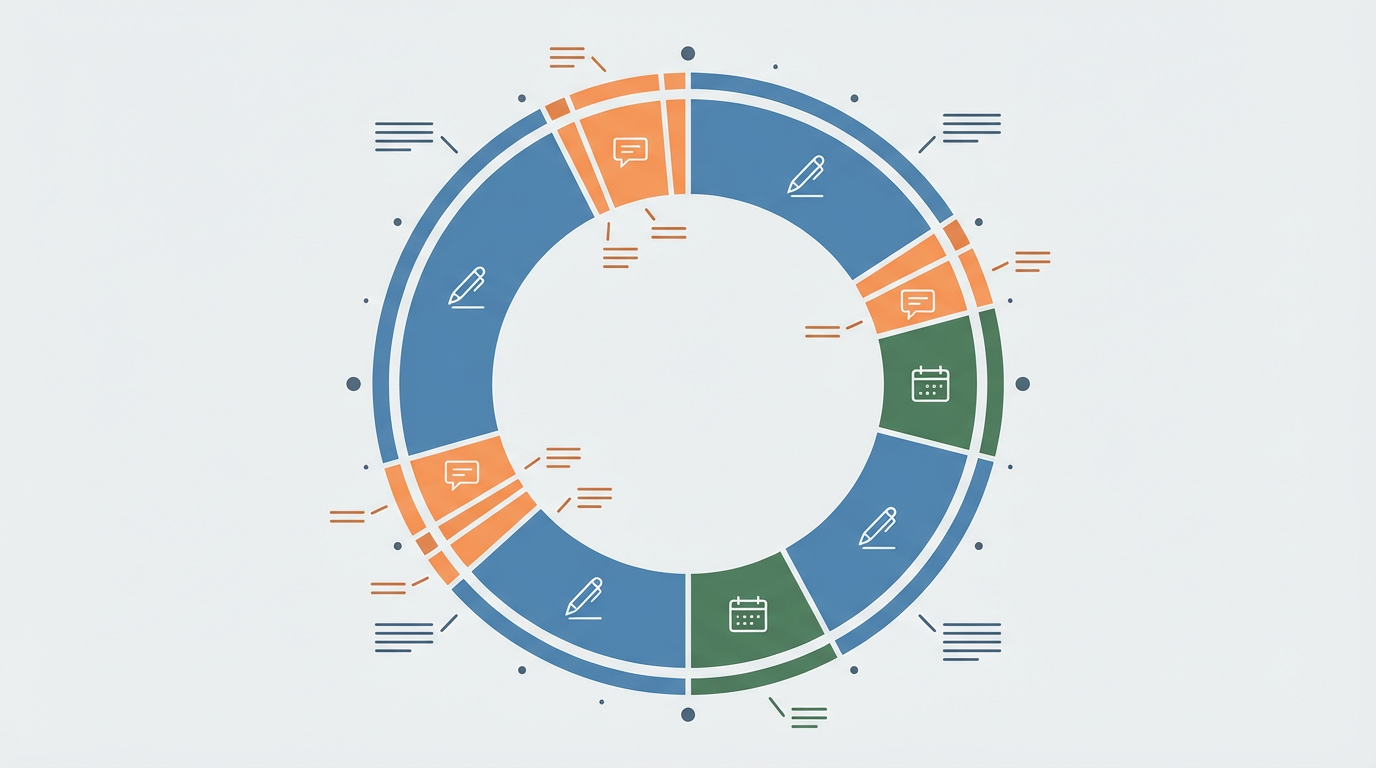
That “focus tool” question usually shows up when your hours are accurate enough, but your days still feel scattered. Rize is built for that: it leans into personal patterns—how long you stay in a task, how often you switch, when meetings break your momentum—so you can change how you work, not just prove what you did.
In a familiar week, this looks like using it to notice you do your best writing 9–11 a.m., or that “quick Slack checks” turn into 40 minutes of context switching. The output is less about client-ready line items and more about habit-level feedback you can act on. That’s also the trade-off: the insights are most useful when you keep Rize running consistently, and some teams will have privacy expectations that make “activity-based” tracking a harder sell.
If your main problem is better focus, Rize can pay off. If your main problem is billing workflow, you’ll want your tracker to stay invoice-shaped.
A 14-day trial plan that makes switching reversible
Keeping your tracker “invoice-shaped” gets easier when you treat the switch like a test, not a commitment. Run a 14-day trial with one real client (and one internal project) and keep your old system running in parallel, but only as a fallback. Set a pass/fail bar up front: can you produce a client-ready timesheet in under 10 minutes, and can you answer “what did we spend time on?” without a cleanup session?
Days 1–3: set up clients, projects, rates, and a simple naming rule. Days 4–10: track normally, but do a daily 5-minute review (required if you’re testing Timely or Rize). Days 11–14: export or draft invoices, then compare totals to what you billed last month. The friction to watch is team behavior: if tags drift or reviews don’t happen, the tool won’t save you—your process has to.