Recurring tasks should reduce stress, not add it
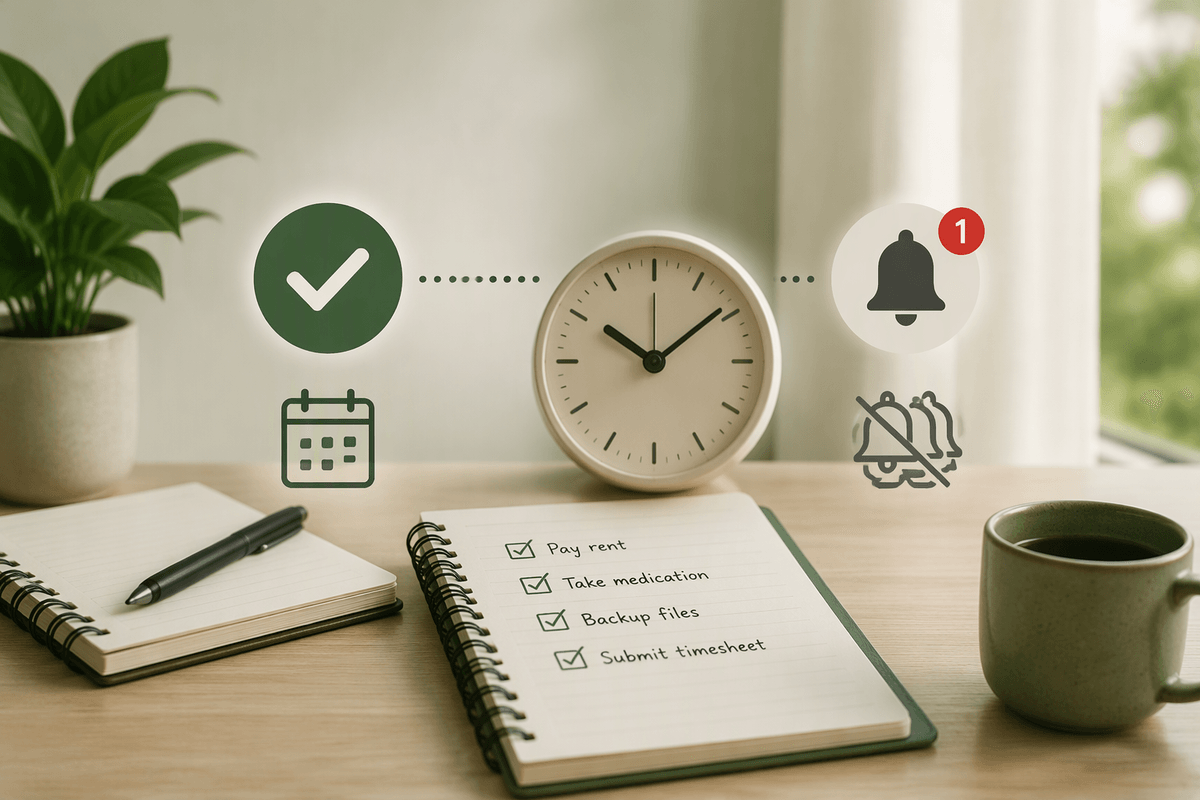
You’ve probably added a “simple” recurring task—take meds, back up files, pay a bill—then watched it multiply into daily pings, overdue badges, and a feeling that you’re always behind. That’s the opposite of what recurrence is for. A recurring task should carry the mental load for you: it should show up when it matters, be easy to complete, and then get out of the way.
If your system creates more stress than it removes, it stops being trusted. You either swipe notifications away, reschedule endlessly, or avoid opening the app because the list looks judgmental. The goal isn’t perfect streaks; it’s reliable follow-through with minimal noise. There’s also a real cost to “just add another reminder”: every extra alert competes with deep work, classes, sleep, and focus, and the important ones get buried with the trivial.
Decide what truly deserves a recurrence
You notice it when your “Today” list is mostly maintenance: water plants, clear downloads, review goals, wipe counters, check messages. Most of these aren’t bad tasks; they’re just not all recurrence-worthy. A good rule is to recur only what has a clear consequence if it’s forgotten, or what you genuinely want to offload from memory. “Pay rent” and “submit timesheet” qualify. “Tidy desk” might not—unless it affects your ability to work.
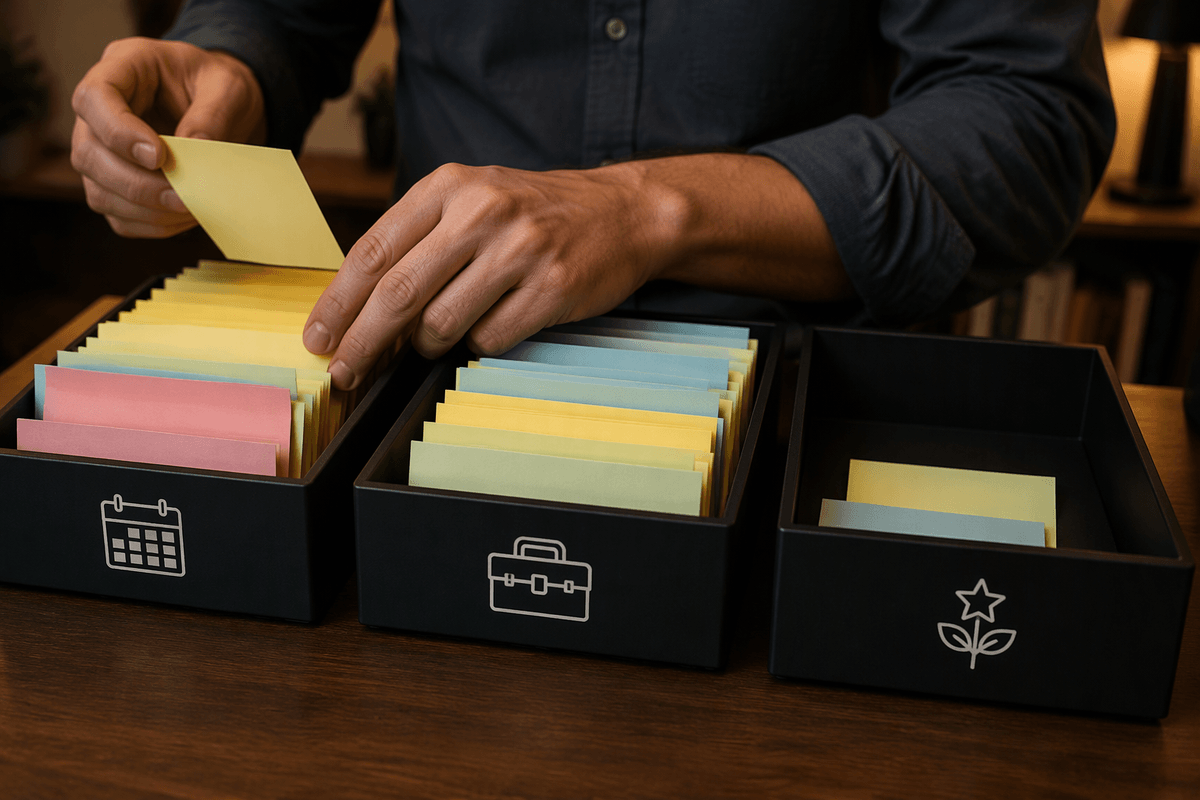
Before you make something recurring, ask where it belongs: a deadline (must happen by a date), an upkeep routine (keeps things from getting worse), or an aspirational habit (nice, but not critical). Deadline and upkeep items earn recurring slots because the cost of missing them is real. Aspirational habits often work better as a smaller, focused set, or as a checklist you choose from when you have bandwidth. Every recurring task you add becomes a permanent claim on attention, so keep the list small enough you’d actually defend it.
Set the right cadence and time window
You feel the difference immediately when the cadence matches reality. “Daily” sounds responsible, but it’s often just noise when the task only matters every few days. If you usually do laundry once a week, set it weekly. If you check credit card statements twice a month, pick the 1st and 15th. For school and work, tie recurrence to the true cycle: “submit lab notes every Friday afternoon,” “pay rent on the 25th,” or “review next week’s meetings every Monday.” A good cadence makes completion feel normal instead of like you’re constantly catching up.
The time window matters just as much as frequency. Give upkeep tasks a buffer so they can be done when you have a natural opening: “anytime this week” beats “9:00 AM today” for non-urgent chores. Many apps let you use due dates without exact times, or start/due windows; use those so the task is available early but only becomes “late” when it truly is. The trade-off is that wider windows require a quick weekly scan, or items can quietly drift.
Use one notification, not five backups
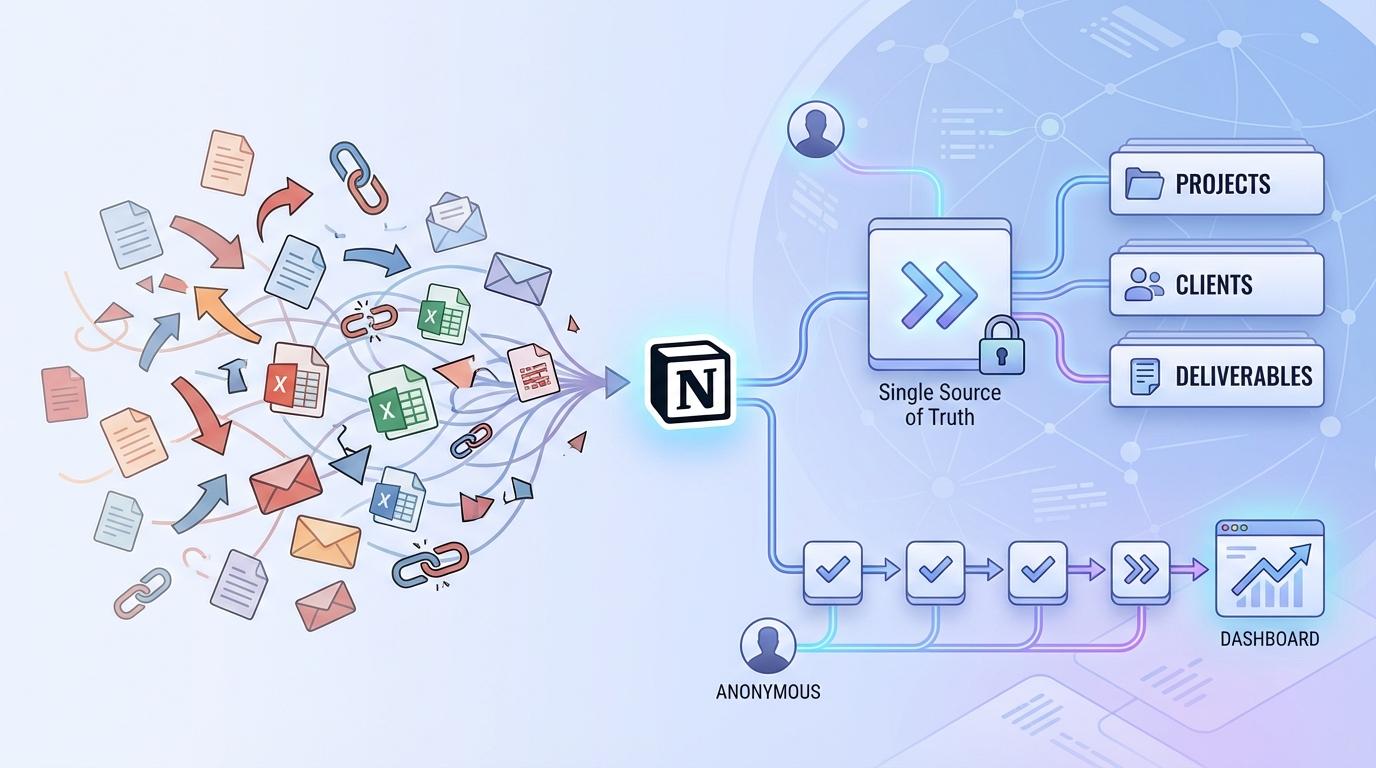
You can tell an alert system is breaking when you’re stacking safety nets: a calendar event, a task reminder, an email to yourself, a sticky note, plus a “just in case” alarm. It feels safer, but it trains you to distrust every single ping because none of them clearly means “act now.” Pick one primary place for the reminder—your task app for actions, your calendar for time-specific commitments—and let that be the source of truth.
Then design a single notification that matches the real risk. For high-consequence items (rent, medication, an application deadline), use one early heads-up plus the actual due reminder, not five repeats. For low-consequence upkeep (water plants, empty downloads), skip push alerts entirely and rely on a daily/weekly review view. The practical constraint is obvious: fewer pings means you must actually look at your list at least once per day or week, or things will slip. That’s still a better trade than constant interruptions that you learn to ignore.
Make recurring tasks completion-friendly, not guilt traps
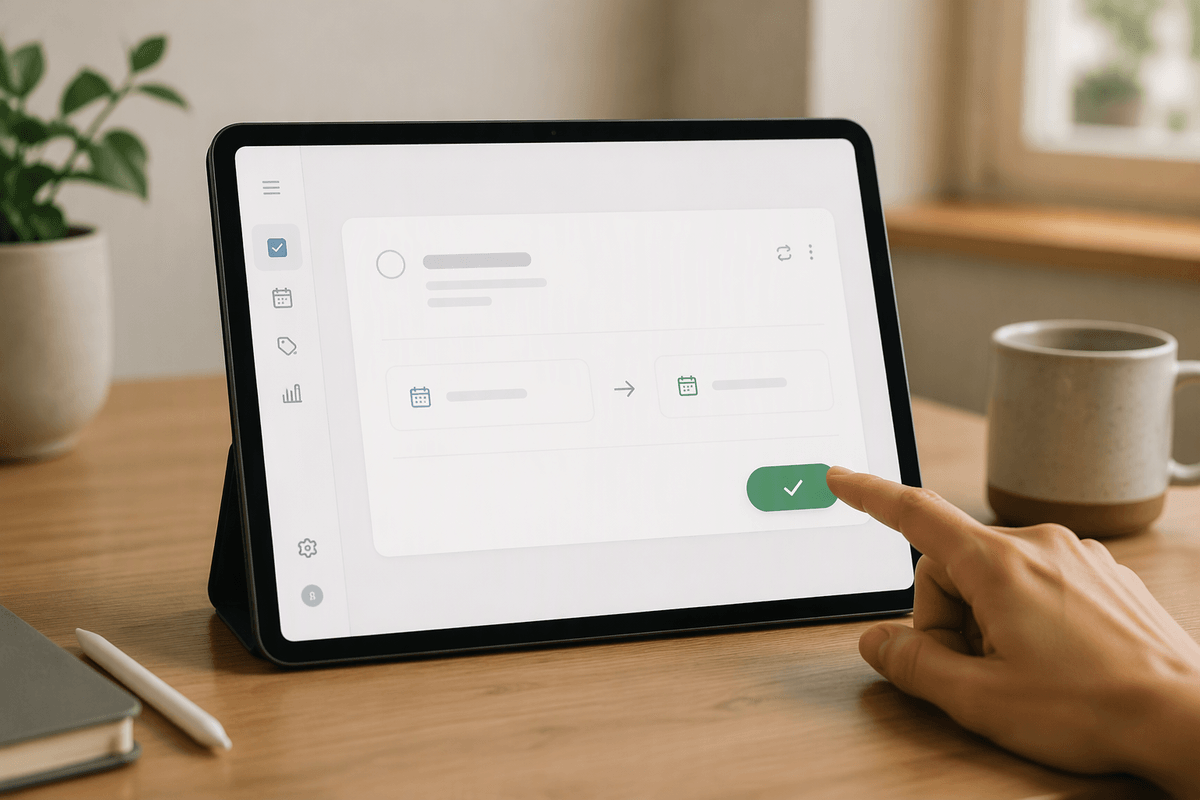
You’ve seen the pattern: you miss one recurrence, and suddenly the app shows three “overdue” instances of the same thing. That’s not motivation—it’s clutter. For most routines, set recurrences to create the next occurrence from the completion date (“every 7 days after I do it”) rather than from the calendar (“every Monday no matter what”). It keeps the task aligned with real life and prevents the pile-up that makes you feel behind before you’ve started.
Make the “done” action easy, too. If the task is truly optional when the day goes sideways, build that truth into the workflow: allow “skip” without guilt, or add a note like “aim for 3x/week” and track it elsewhere. If your app supports it, use a single recurring task with a checklist (e.g., “Weekly admin: submit receipts, clear inbox”) instead of five separate recurrences. The limitation is you lose perfect metrics and streaks, but you gain a system you’ll actually keep opening.
Separate routines from reminders with smarter views
You don’t need every routine living in the same “Today” lane as real deadlines. A useful split is to keep time-sensitive reminders in your main task list (things with consequences) and move routines into a dedicated view: a “Routines” project, a tag like @upkeep, or a filter that only shows them during your daily/weekly review. That way, “submit assignment by 5 PM” stays visible without competing with “wipe down counters.”
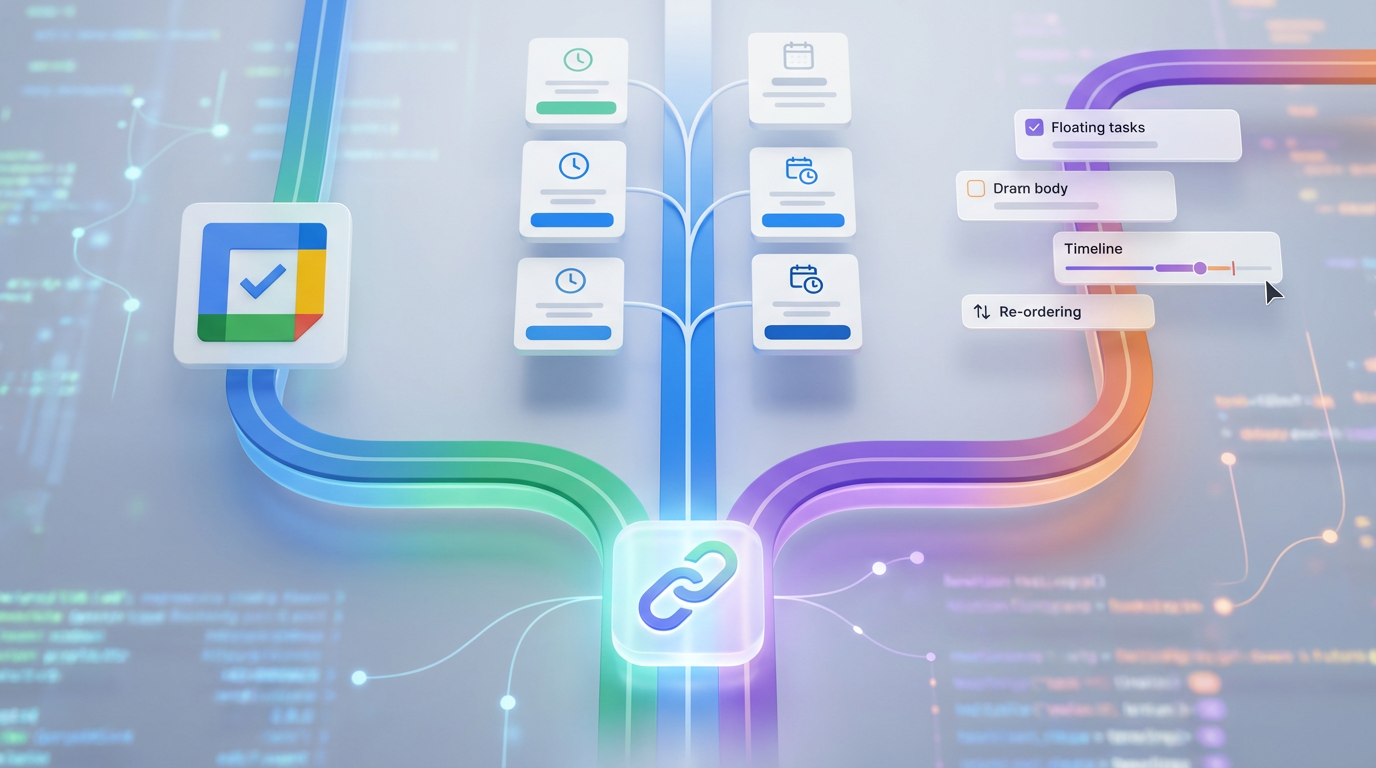
Smarter views also let you choose the right moment to see routine work. Try a morning “Must-do” view (deadlines, meetings, medication) and a separate “If time” view you open after lunch or during a reset block. In apps like Todoist or TickTick, that can be a filter that hides @upkeep unless it’s due within 24 hours. The trade-off is setup time and discipline: filters and tags only stay helpful if you apply them consistently, especially when you add new recurring tasks.
Do a monthly prune so the system stays quiet
You notice when it’s time to prune: routines you don’t do anymore, duplicates that survived a tool switch, or recurrences that made sense during finals but now just nag. Put a single “Recurring audit” on your calendar for 15 minutes each month. Sort by recurring tasks and delete anything you consistently skip, merge micro-tasks into one checklist, and downgrade low-value items from notifications to review-only. If something keeps sliding, change the cadence or widen the window instead of dragging it forward forever. The small cost is a monthly check-in; the payoff is a system that stays quiet and believable.